5-10 SV61831 Rev. A DA50S/DA55S/DA70S/DA75S AddressRight™ Printers Service Manual
5 • Removal & Replacement
DA50S/DA55S (WS51/WS56) Parts Removal
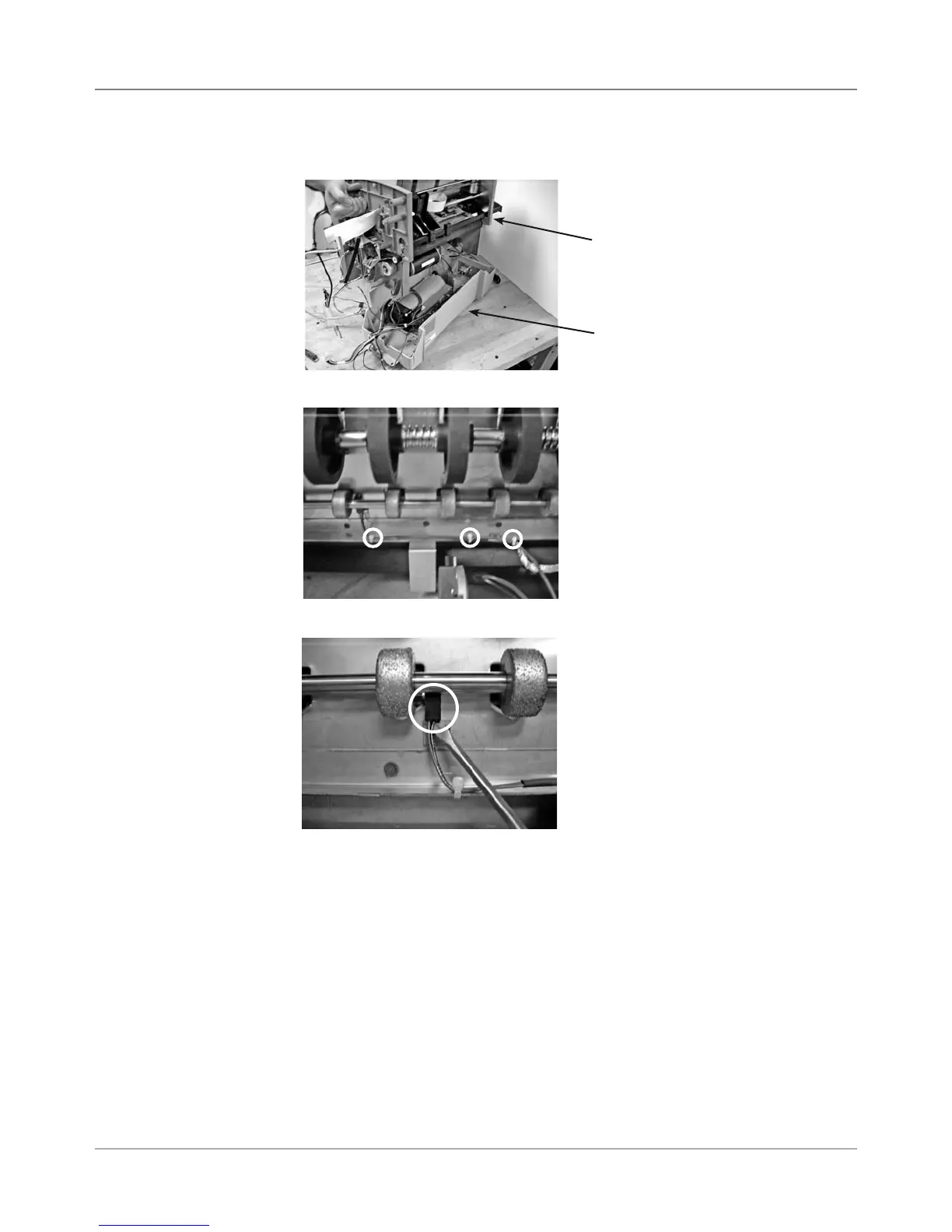
8. Remove three tie-wraps (circled) holding sensor harness (P23).
7. Lift and remove top chassis assembly from bottom gray tray.
5.8 Sensor
(continued)
9. Press sensor up and off holding tab (circled).
Top Chassis
Bottom Tray



 To Next Page