OMR Message - Error Recovery
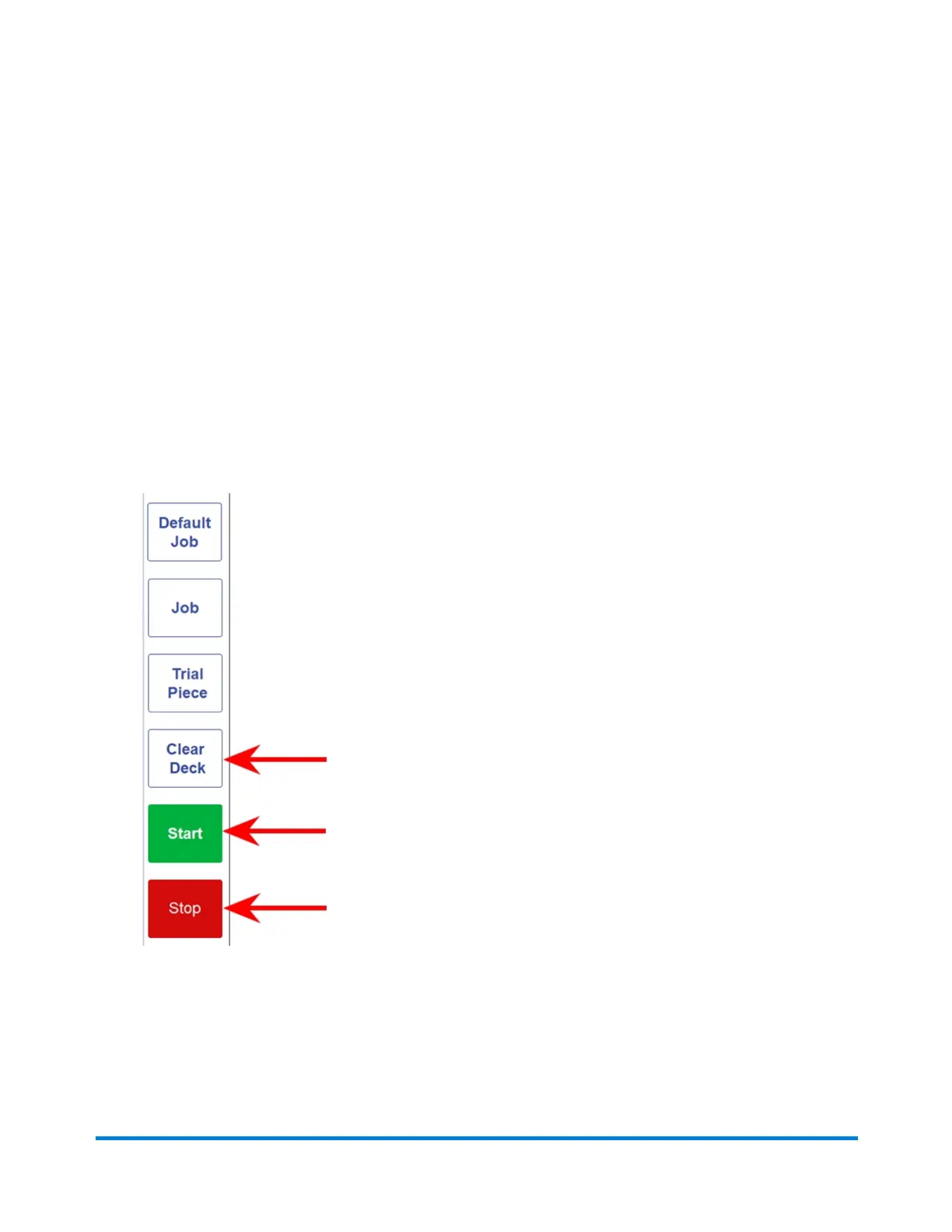
If the inserter stops during a job, and indicates an OMR error message:
1. Tap the Clear Deck button on the control panel. Any envelope at the insertion area will eject into
the stacker.
2. The remaining pages of the current set will feed / fold and eject into the stacker. Manually insert
into the envelope if necessary.
3. The FIRST page of the NEXT set will pre-feed into the feed rollers and stop. Pull the sheet back to
the normal feed position .
4. Tap the Start button to resume operation.
Error Recovery and Clearing Material Jams
Pitney Bowes Relay™ 2500, 3500, 4500 User Guide December, 2018 Page 122 of 174


 To Next Page