Setting the Sealer
Decide whether you want to seal envelopes and then set the sealer.
1. Tap the + and – buttons to toggle the seal option to On or Off.
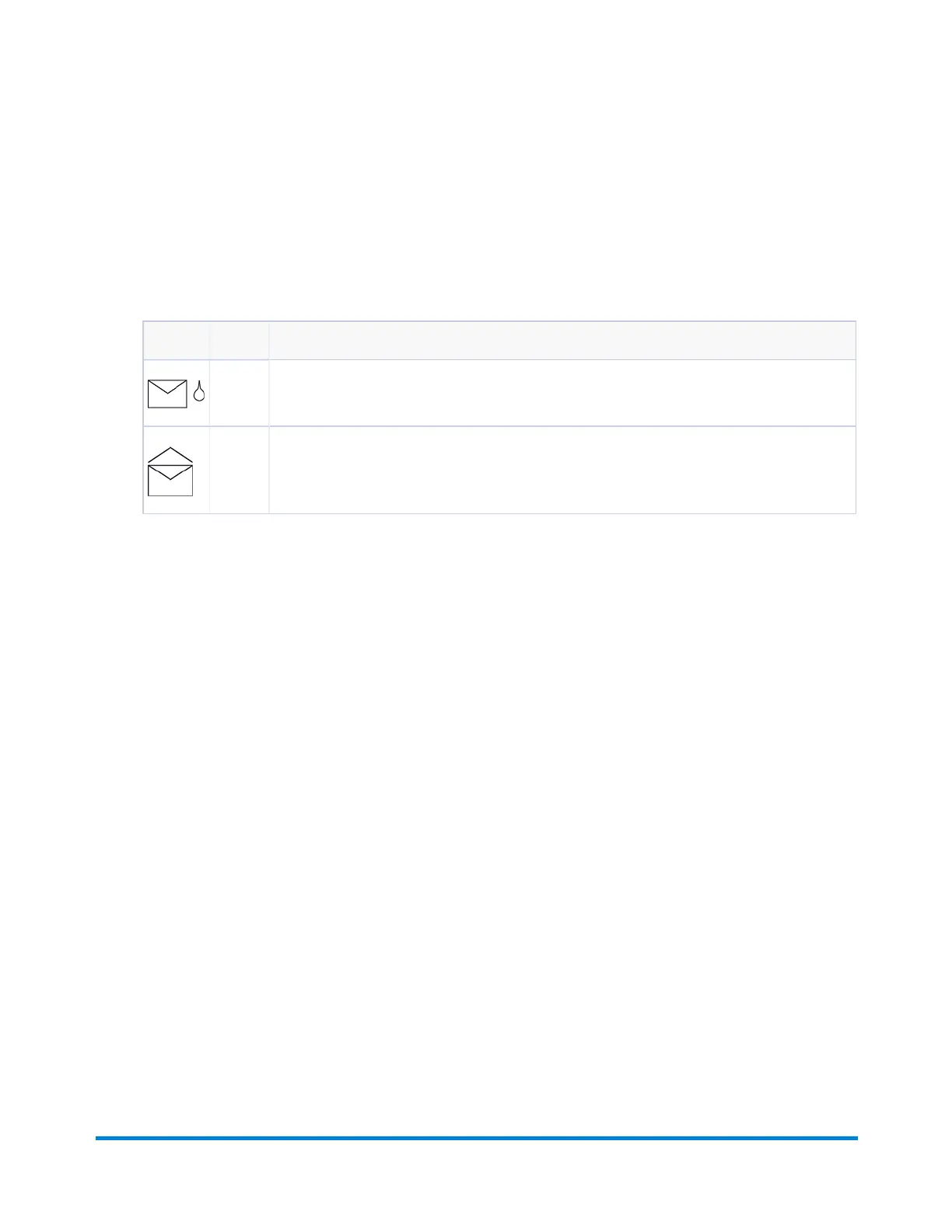
Icon Option Description
On Turns the sealer unit on for automatic sealing of envelopes. Make sure the sealer bottle is
full of E-Z Seal®.
Off Turns the sealer unit off. Envelopes will be processed unsealed.
2. Tap the >> button to accept the option and advance to the next setting.
Product Overview
Pitney Bowes Relay™ 2500, 3500, 4500 User Guide December, 2018 Page 33 of 174


 To Next Page