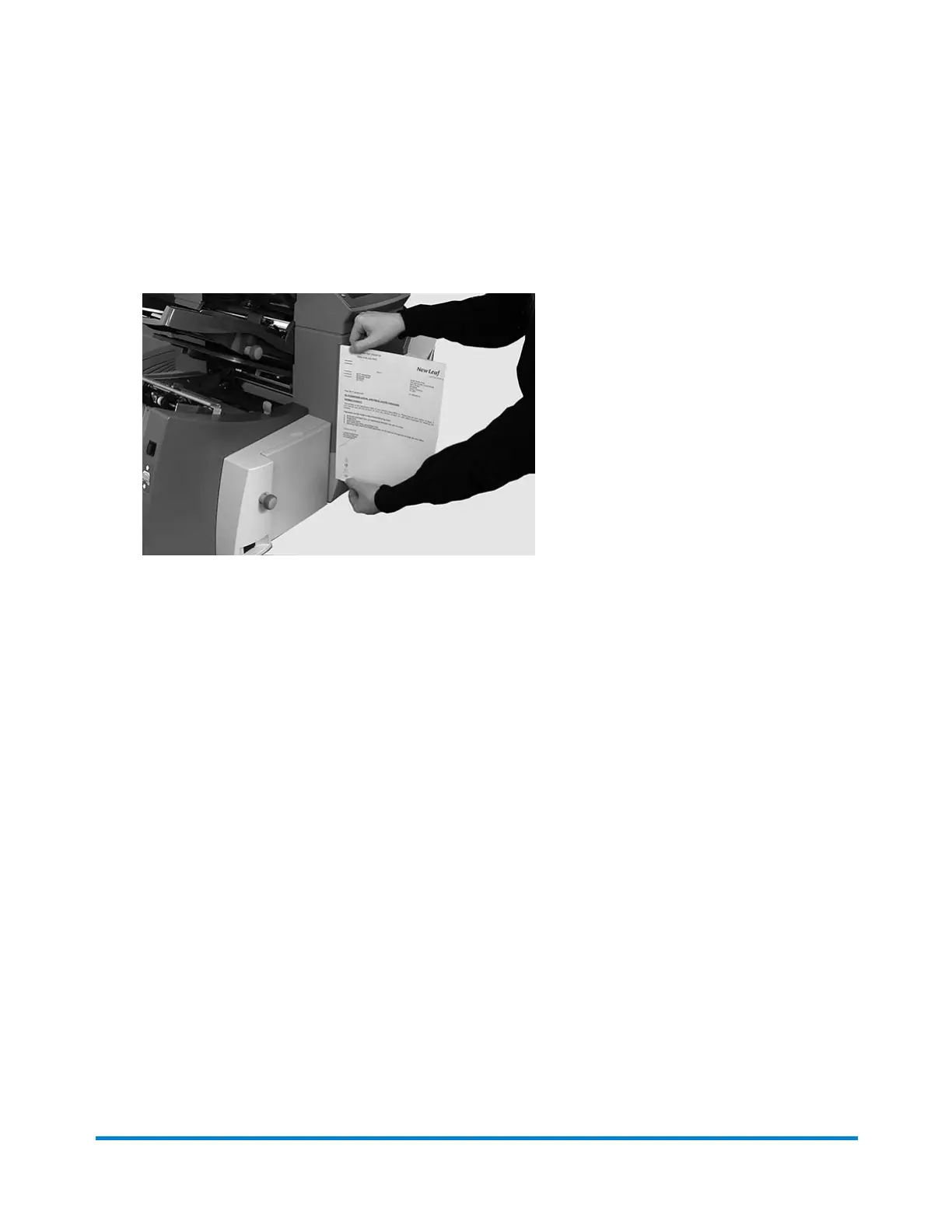
Setting the Paper Length
1. Use the scale on the side of the inserter cover to measure the paper.
l US letter - 279 mm (11 inches)
l A4 paper - 297 mm
2. Tap the + and – buttons to scroll through paper lengths (displayed in mm).
3. Tap the >> button to accept the paper length value and advance to the next setting.
Product Overview
Pitney Bowes Relay™ 2500, 3500, 4500 User Guide December, 2018 Page 56 of 174


 To Next Page