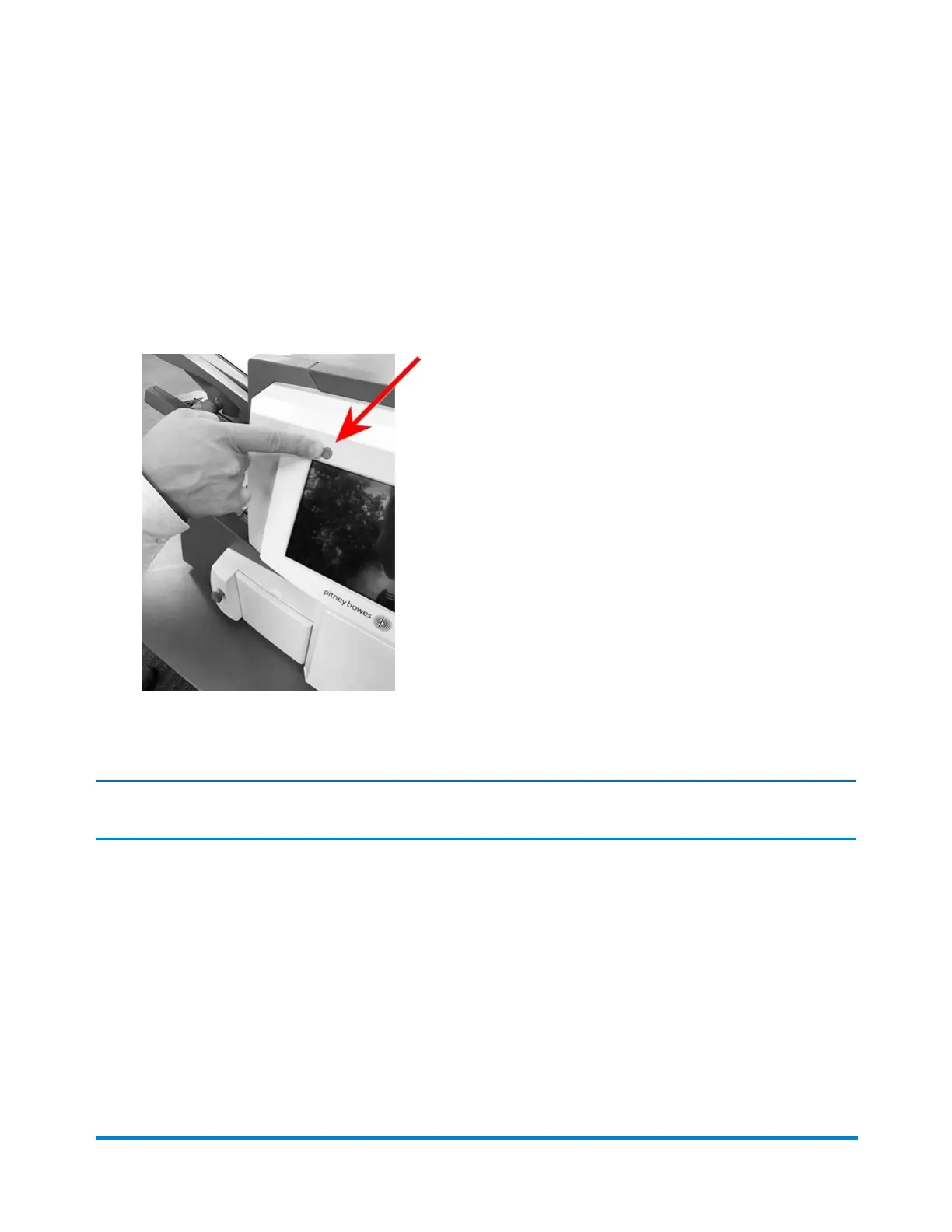
Turning on the Touchscreen
Be sure the inserter is powered up before turning on the touchscreen.
1. The ON/OFF power button is located on the top left of the touchscreen. Press and hold the power
button for a few seconds to turn the touchscreen on or off.
ON/OFF Power Button
NOTE: If the touchscreen is in sleep mode, lightly press the ON/OFF power button.
Running a Job
Pitney Bowes Relay™ 2500, 3500, 4500 User Guide December, 2018 Page 70 of 174


 To Next Page