ATR401 - User manual 31
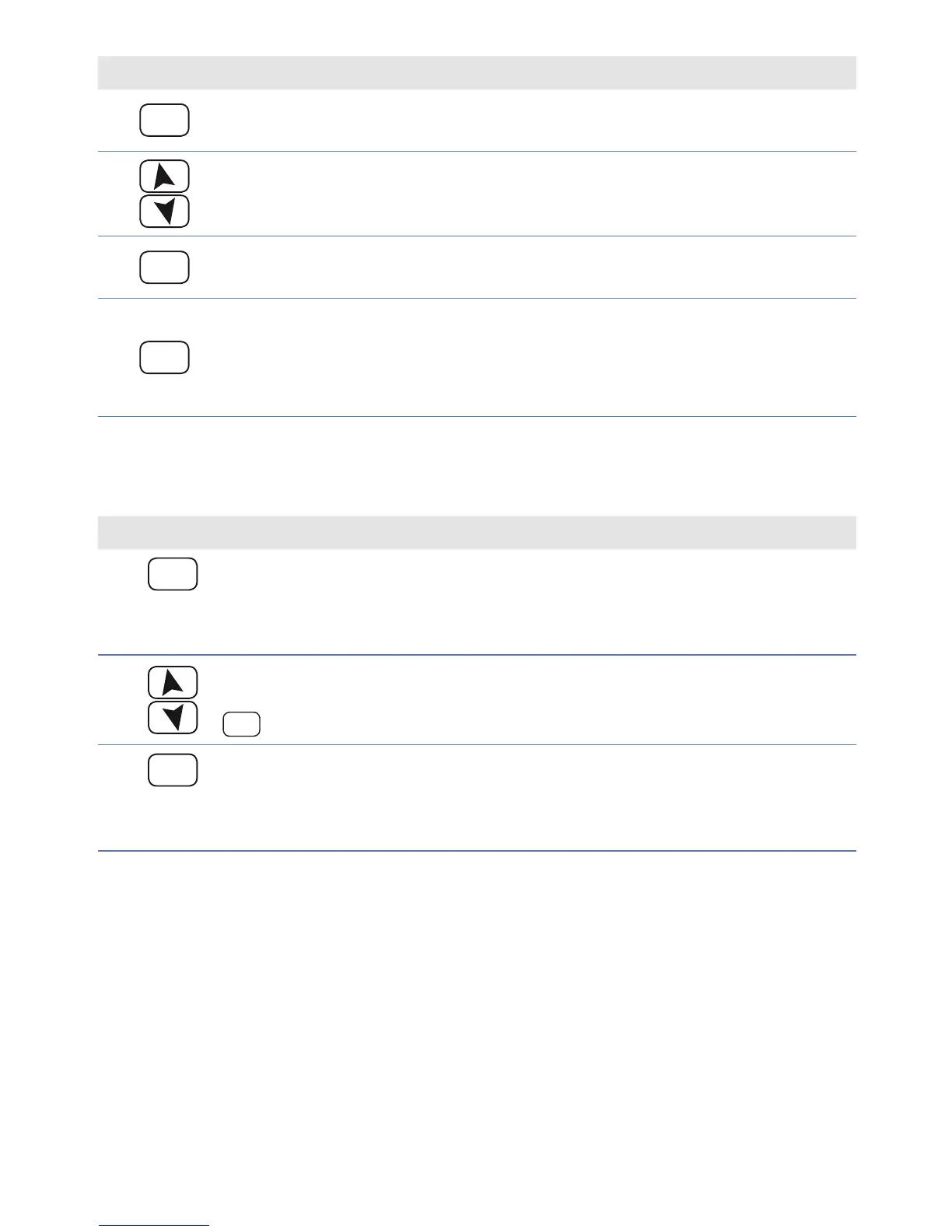
Press Display Do
6
SET
Allows parameter modi cation
(display 2 ashes).
7
Increases or decreases
visualized value.
Introduce new data.
8
SET
Con rms data entering
(display 2 stops ashing).
To change another parameter
return to point 4.
9
FNC
End of parameters
modi cation
Controller exits the
programming mode.
11.2 Loading default values
This procedure allows to restore factory settings of the device
Press Display Do
1
PRGM
for 3
sec.
Display 1 visualizes
with 1st digit blinking, while
display 2 shows .
2
Change blinking digit and
move to the next one with
SET
.
Enter password
3
PRGM
for
conf.
Device loads default settings.
Switch the controller o and
restart it


 To Next Page