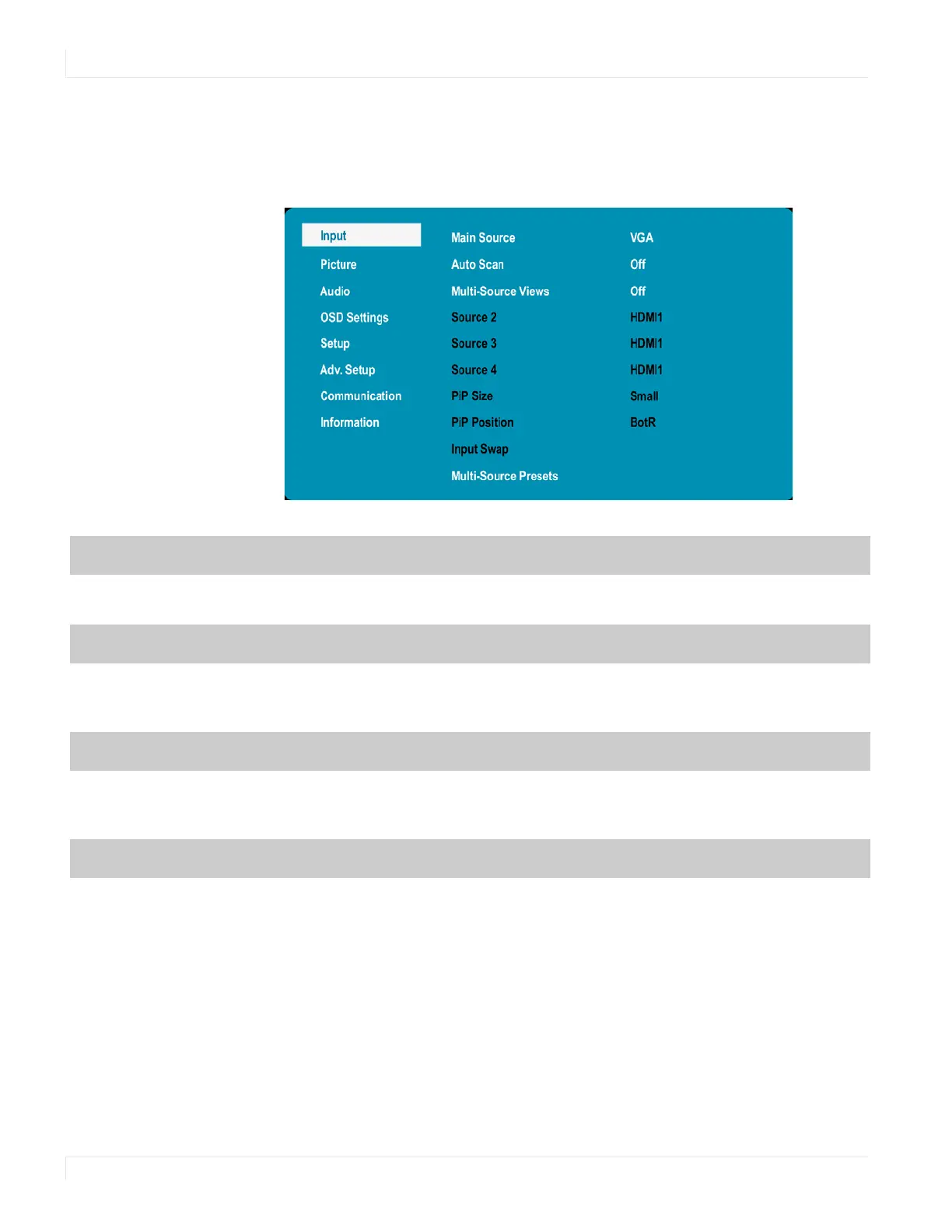
Input Menu
24 EP Series Ultra HD LCD Displays User Guide
Inp ut Menu
This menu is used for selecting the input sources. Up to four sources can be displayed
at the same time.
Main Source
Select the Main Input source
Options: DisplayPort1, HDMI1, HDMI2, HDMI3, HDMI4, VGA, OPS
Auto Scan
Select whether the display will automatically scan for a Main Input source
Options: On, Off
Default: Off
Multi-Source Views
Select the Multi-Source View mode
Options: Off, PiP, Dual View, Quad View
Default: Off
Source 2
Select the second source
Options: DP1, DP2, HDMI1, HDMI2, HDMI3, HDMI4, VGA, OPS
Note: This function is only available when Multi-Source Views is set to PiP, Dual View or
Quad View. If HDMI4 was selected as another source, OPS cannot be selected. If OPS was
selected as another source, HDMI4 cannot be selected.



 To Next Page