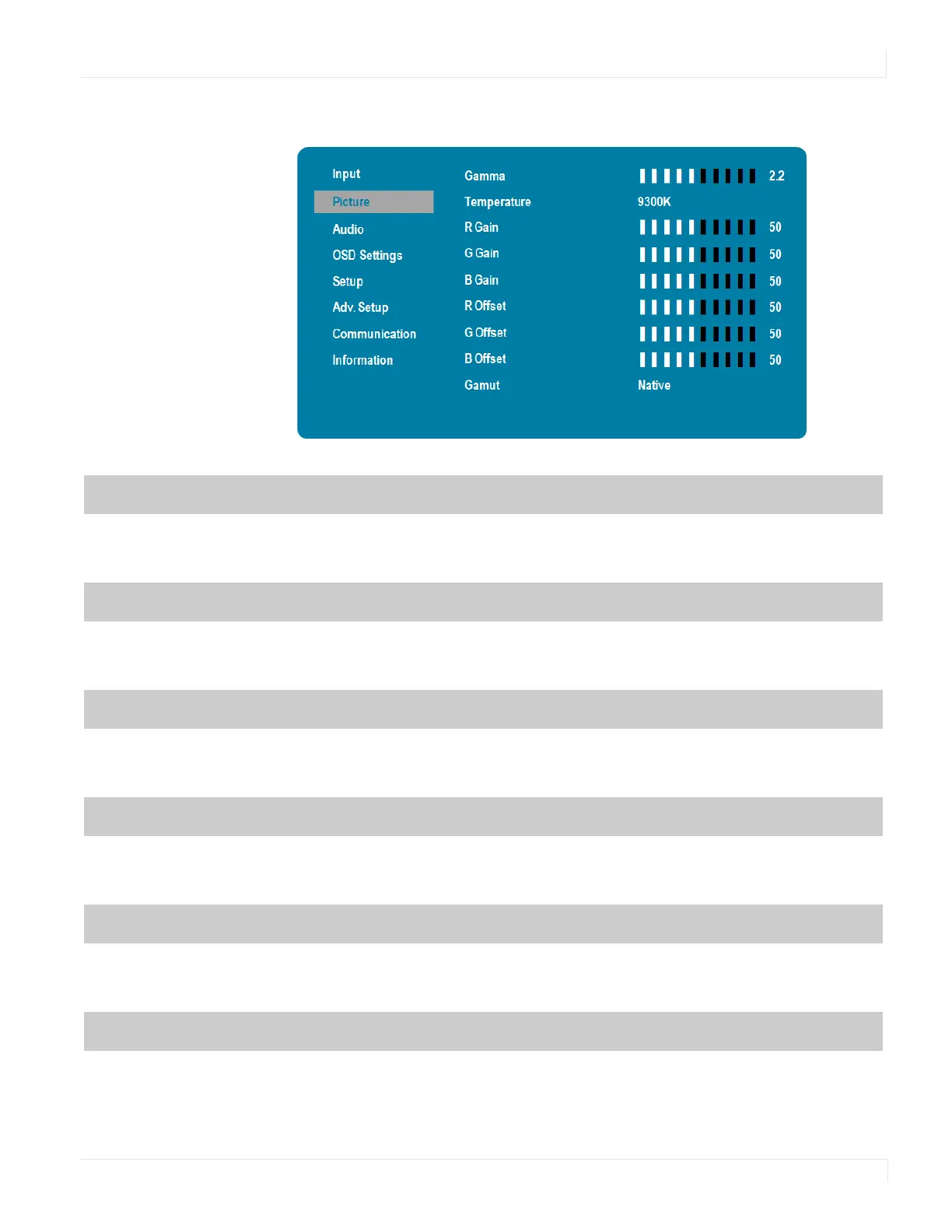
Picture Menu – RGB Adjust Submenu (Color Temp = User)
EP Series Ultra HD LCD Displays User Guide 29
Picture Menu – RGB Adjust Submenu
Gamma
Select gamma
Options: Off, 1.85, 1.9, 1.95, 2.0, 2.05, 2.10, 2.15, 2.2, 2.25, 2.3, 2.35, 2.4, 2.45, 2.5, 2.55, 2.6
Default: 2.2
Temp eratu re
Select color temperature
Options: User, 3200K, 5000K, 6500K, 7500K, 9300K
Default: 9300K
R Gain
Adjust the amount of red in bright content
Range: 0~100
Default: 50
G Gain
Adjust the amount of green in bright content
Range: 0~100
Default: 50
B Gain
Adjust the amount of blue in bright content
Range: 0~100
Default: 50
R Offset
Adjust the amount of red in dark content
Range: 0~100
Default: 50



 To Next Page