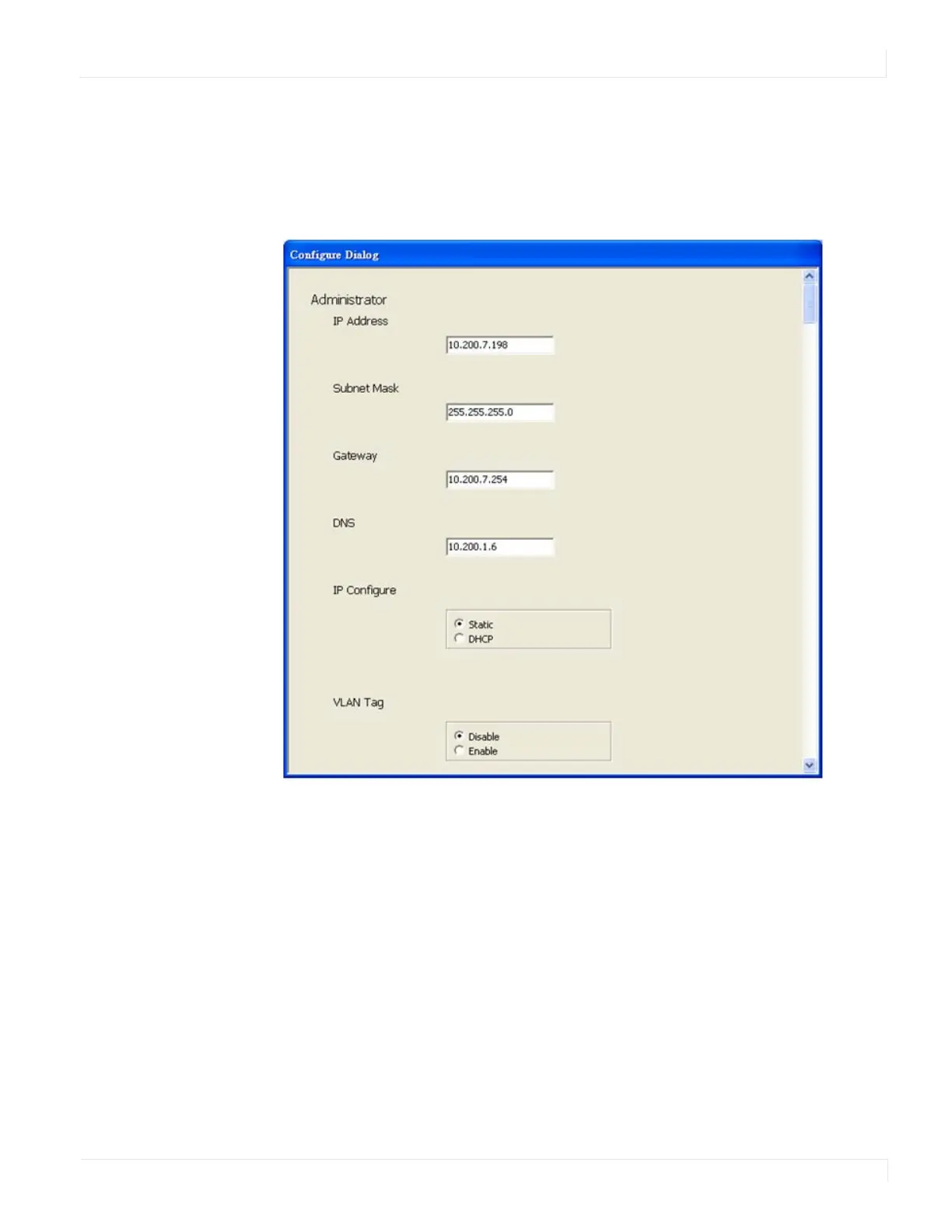
Configure IP Address
EP Series Ultra HD LCD Displays User Guide 55
Co nfigure IP Address
This function allows you to configure the network settings of the selected device. We
recommend using the on-screen menus or the web interface described in the User
Guide instead of this function.
Note: To cancel this function, scroll to the bottom and click the Cancel button.
Web
Click the Web icon to launch your default browser and link it to the display’s web
service.



 To Next Page