FIG-4
FIG-1
FIG-2
FIG-3
35
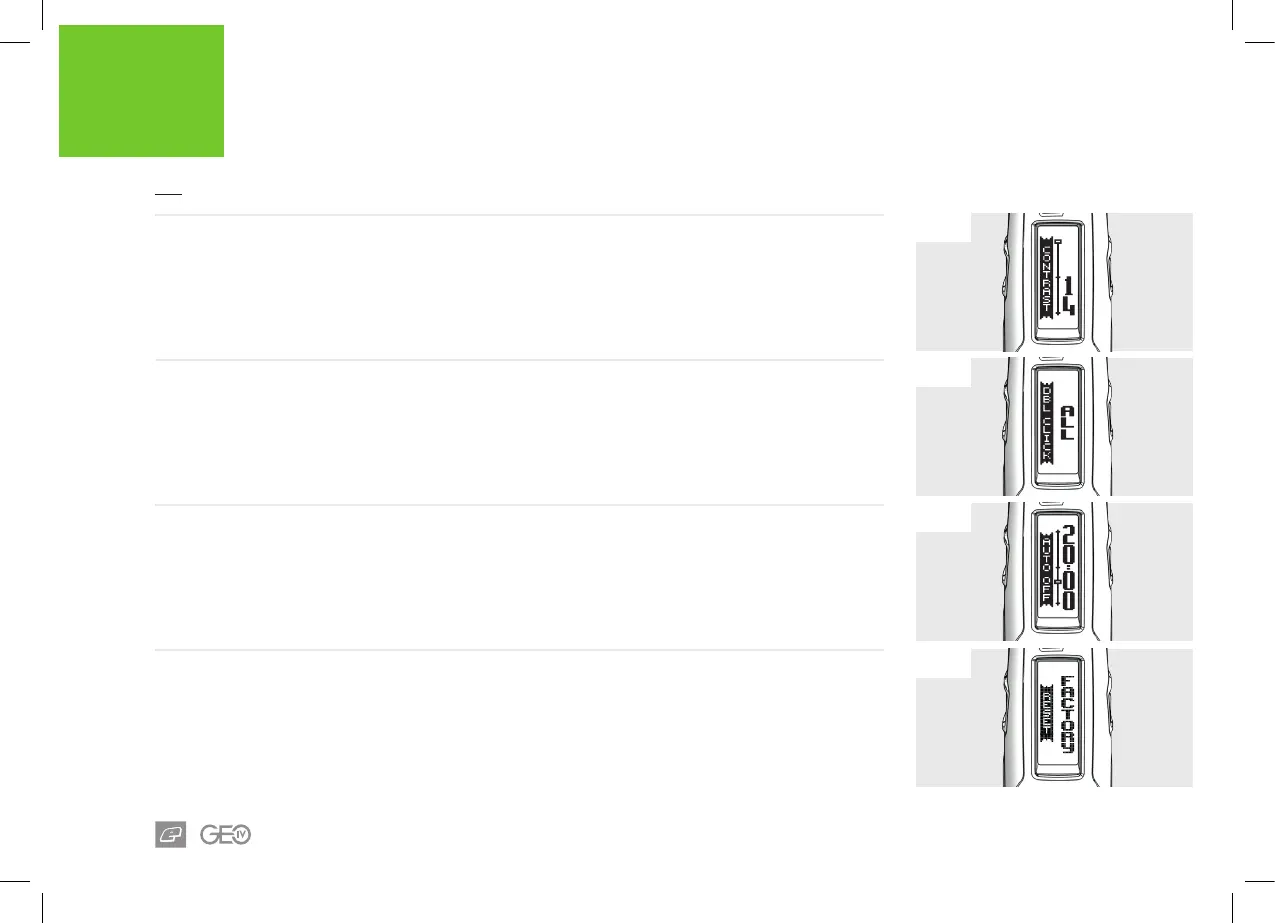
FIG-4 - RESET
This enables the user to reset all the marker
parameters back to their factory state.
> NO: do not perform a reset.
> FACTORY: reset all parameters to their factory
default value.
CAUTION: When FACTORY is selected this will
erase all saved settings and restore the marker to
how it was when it left the factory.
ELECTRONICS
USER INTERFACE PARAMETERS
FIG-1 - CONTRAST PARAMETER
This sets the contrast level of the LCD screen.
This parameter can be set between 1 and 31 in
increments of 1.
FIG-2 - DBL CLICK PARAMETER
Sets where the Select button double-click can
be used.
> NONE: Double-click disabled.
> POWER UP: Double-click to power up only.
> ALL: Double-click to power up and access
menus.
FIG-3 - AUTO OFF PARAMETER
Sets the amount of time that elapses before the
marker switches itself o.
This parameter can be set between 05:00 and
60:00 minutes in 00:05 minute increments.















 To Next Page