PC
60
SUPPORT
E-PORTAL
FIG-1
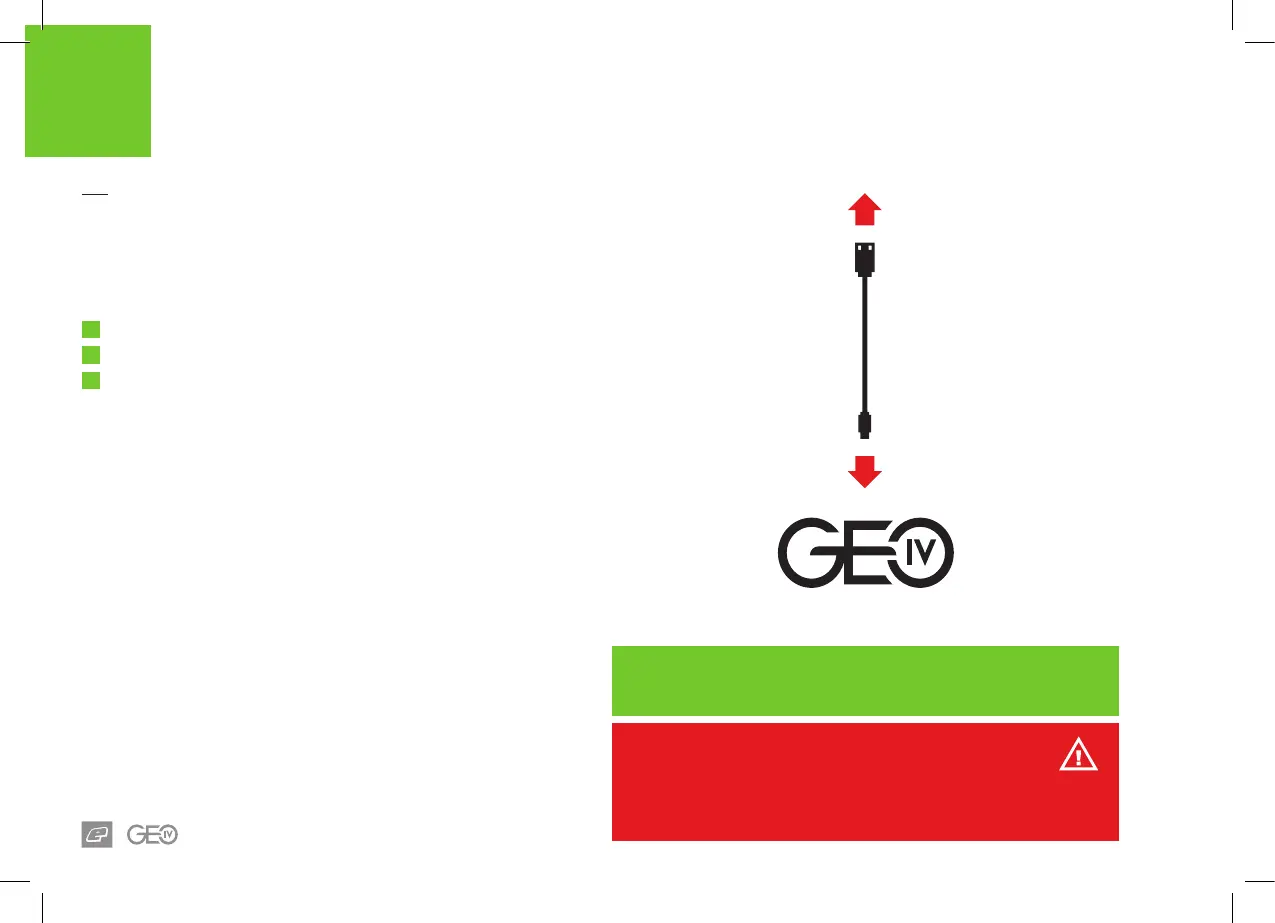
E-portal is a PC application that lets you connect to your GEO 4 via
a USB cable. Amongst other things you can use E-portal to:
1
Upgrade the GEO 4 rmware.
2
Change the start-up splash screen.
3
Modify control parameters.
E-portal can be downloaded from the Planet Eclipse website
(see opposite).
System requirements
Monitor Resolution - 1024x768 or higher
1GHz processor
1Gb RAM
Microsoft® Windows® 7 / Windows® 8 / Windows® 10 1
10Mb of storage space
A USB 2.0 Type A - Micro B 2 cable is required to connect the GEO 4 to
a PC. This cable is not supplied with the GEO 4.
1 Microsoft and Windows are either registered trademarks or trademarks of Microsoft
Corporation in the United States and/or other countries.
2 This is the older, 5 pin Micro B connector NOT the newer USB 3.0 Micro B connector.
Download E-Portal from our marker support page below:
PLANETECLIPSE.COM/EPORTAL
WARNING!
Ensure the marker is fully unloaded before connecting to a PC. The air system
and loader should be disconnected and any paintballs should be removed from
the breech of the marker.














 To Next Page