40
ELECTRONICS
THE MENU TREE
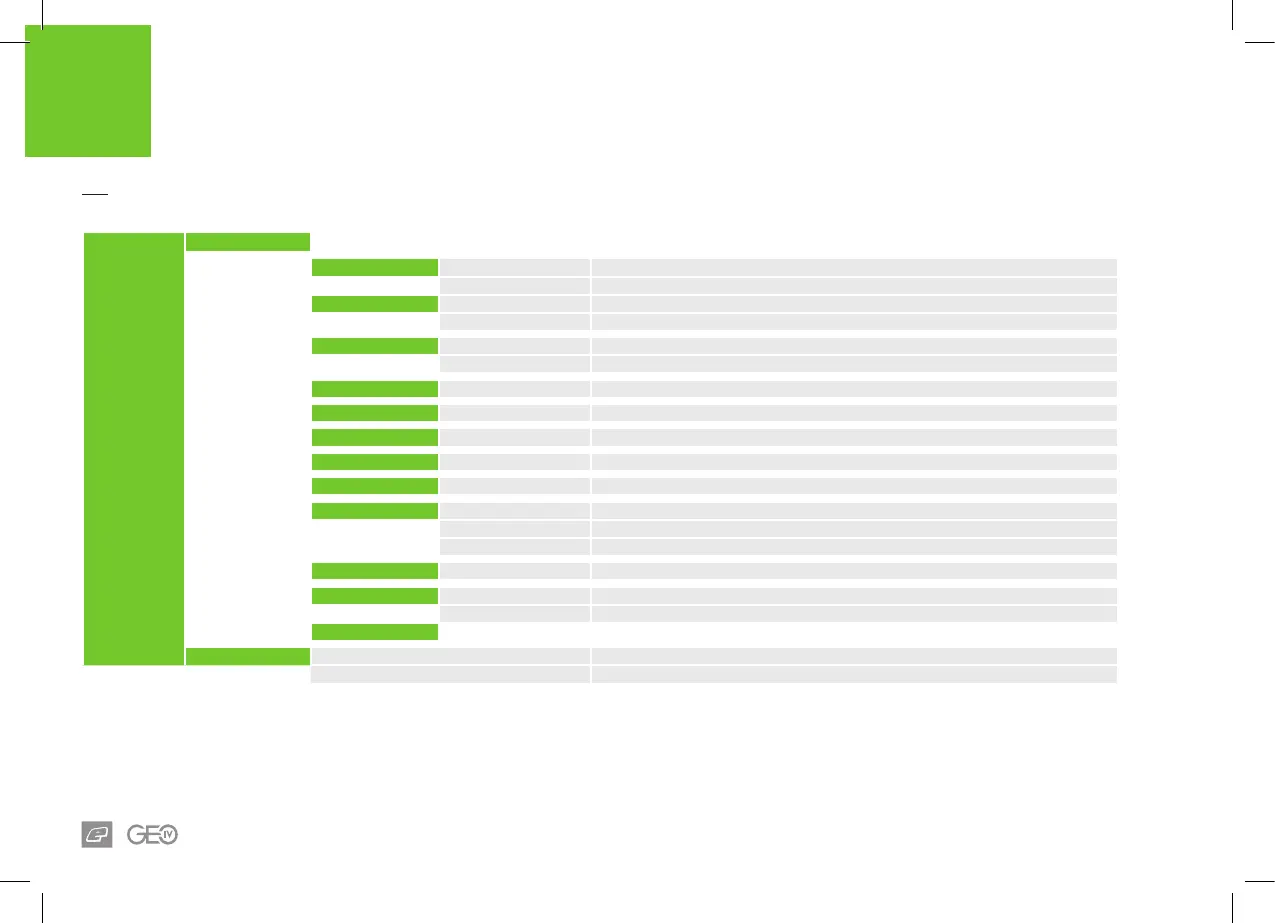
MAIN MENU
HARDWARE
TRIGGER
OPTO (Default) Use OPTO to detect trigger operation
SWITCH Use micro-switch to detect trigger operation
SOUND
ON (Default) Turn on audible indicators
OFF Turn off audible indicators
CLICK TONE
ON (Default) Turn on audible tone when any button is pressed (SOUND dependant)
OFF Turn off audible tone when any button is pressed (SOUND dependant)
BACKLIGHT
00:00 - 00:20 s Time in seconds (s) that the backlight stays on for (00:00 = no backlight). Default 00:06 s
RED LEVEL
0 -100% Percentage power level of the red backlight LED (BACKLIGHT dependant)
GRN LEVEL
0 -100% Percentage power level of the green backlight LED (BACKLIGHT dependant)
BLU LEVEL
0 -100% Percentage power level of the blue backlight LED (BACKLIGHT dependant)
CONTRAST
1 - 31 LCD contrast level. Default 17
DBL CLICK
ALL (Default) Double click is fully enabled
POWER UP Double click to activate power up only
NONE Double click is disabled
AUTO OFF
05:00 - 60:00 m Time in minutes (m) after which the GEO 4 will automatically switch itself Off. Default 20:00 m
RESET
NO Current settings retained
FACTORY Resets control parameters to their FACTORY state. CAUTION: Erases ALL changes
BACK
TRAINING
ON Training mode enabled
OFF Training mode disabled














 To Next Page