If the address is 0.0.0.0, check your adapter installation, security settings, and the settings on your
firewall software programs may block a DHCP request on newly installed adapters.
t is easy to configure and manage the
To access the configuration
http://192.168.1.253 in the
After a moment, a login window will appear
letters. Then click the OK
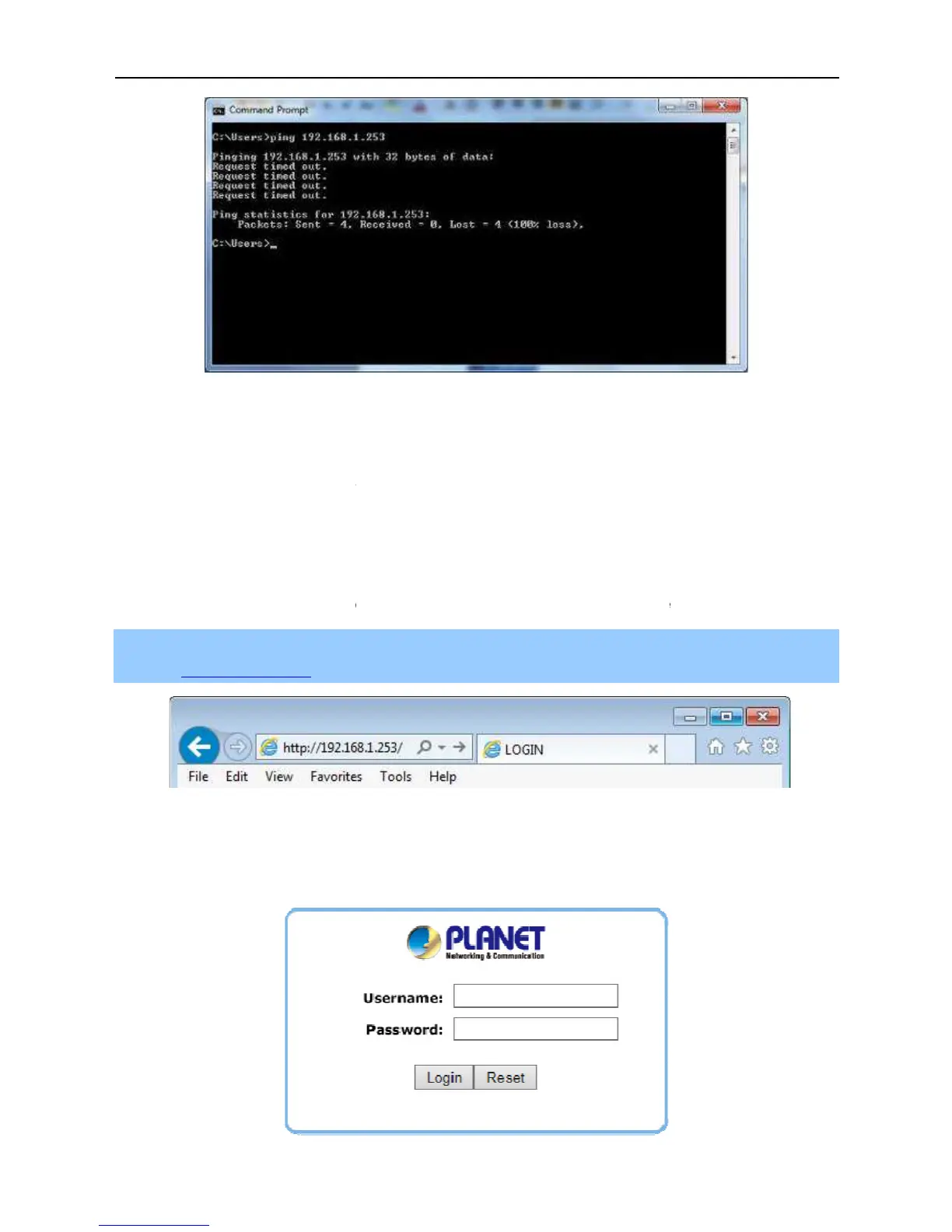
3-4 Failed result of Ping command
If the address is 0.0.0.0, check your adapter installation, security settings, and the settings on your
firewall software programs may block a DHCP request on newly installed adapters.
t is easy to configure and manage the
WBS-500N or WAP-500N with the
To access the configuration
page, open a web browser and enter
address field of the browser.
3-5 Login by default IP address
After a moment, a login window will appear
for the User Name and Password, both in lower case
If the address is 0.0.0.0, check your adapter installation, security settings, and the settings on your
for the User Name and Password, both in lower case



 To Next Page