User’s Manual of WNRT-300
-17-
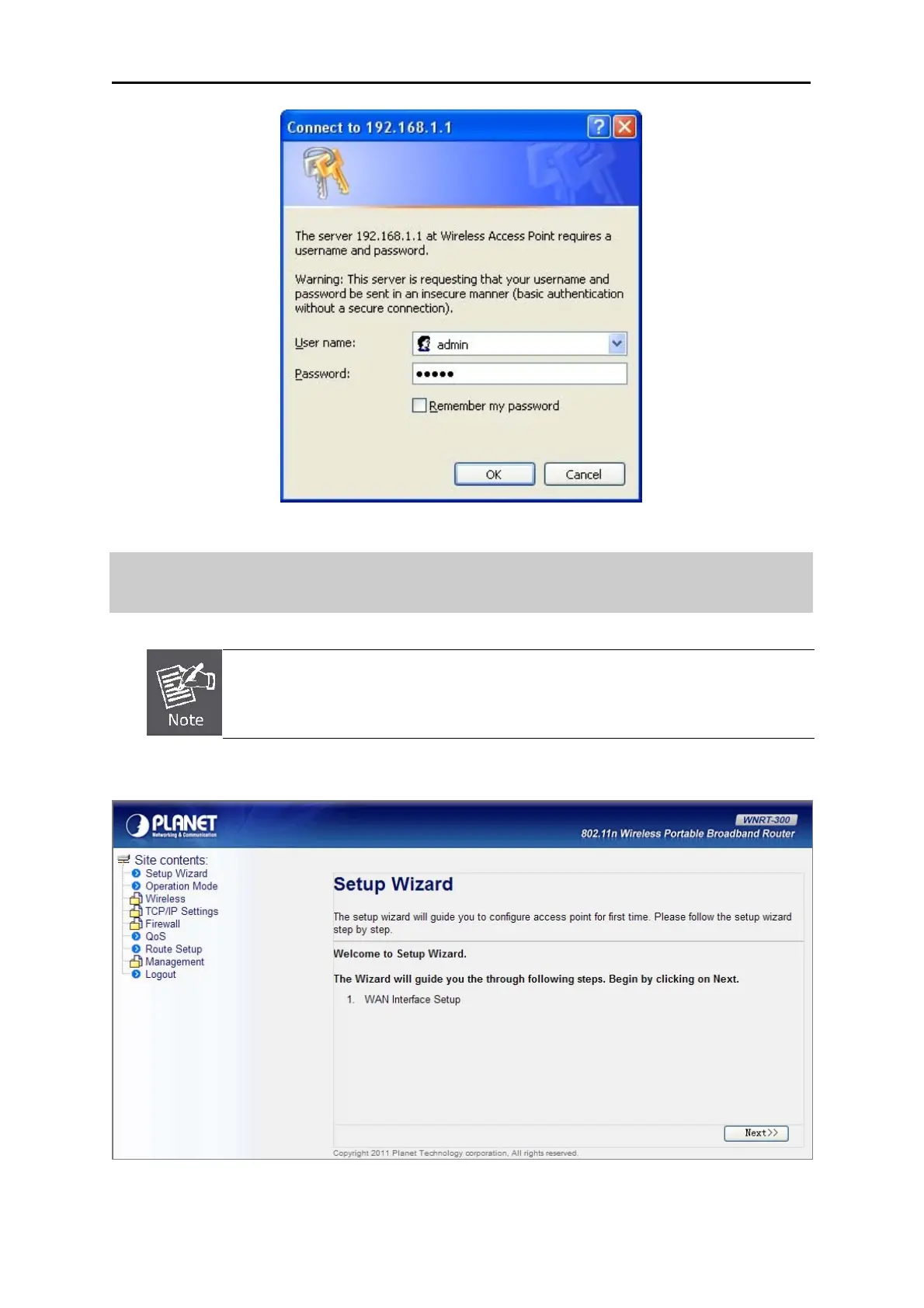
Figure 3-8 Login Window
Default User name: admin
Default Password: admin
If the above screen does not pop up, it may mean that your web-browser has been set
to a proxy. Go to Tools menu>Internet Options>Connections>LAN Settings, in the
screen that appears, cancel the Using Proxy checkbox, and click OK to finish it.
After you enter the username and password, the main screen appears as Figure 3-9
Figure 3-9 WNRT-300 Web UI Screenshot
The next chapter will introduce the functions of the web UI.



 To Next Page