User’s Manual of WNRT-300
-54-
Reset Settings to
Default
Click the “Reset” button to reset all settings of the WNRT-300 to factory
default.
4.9.9. Password
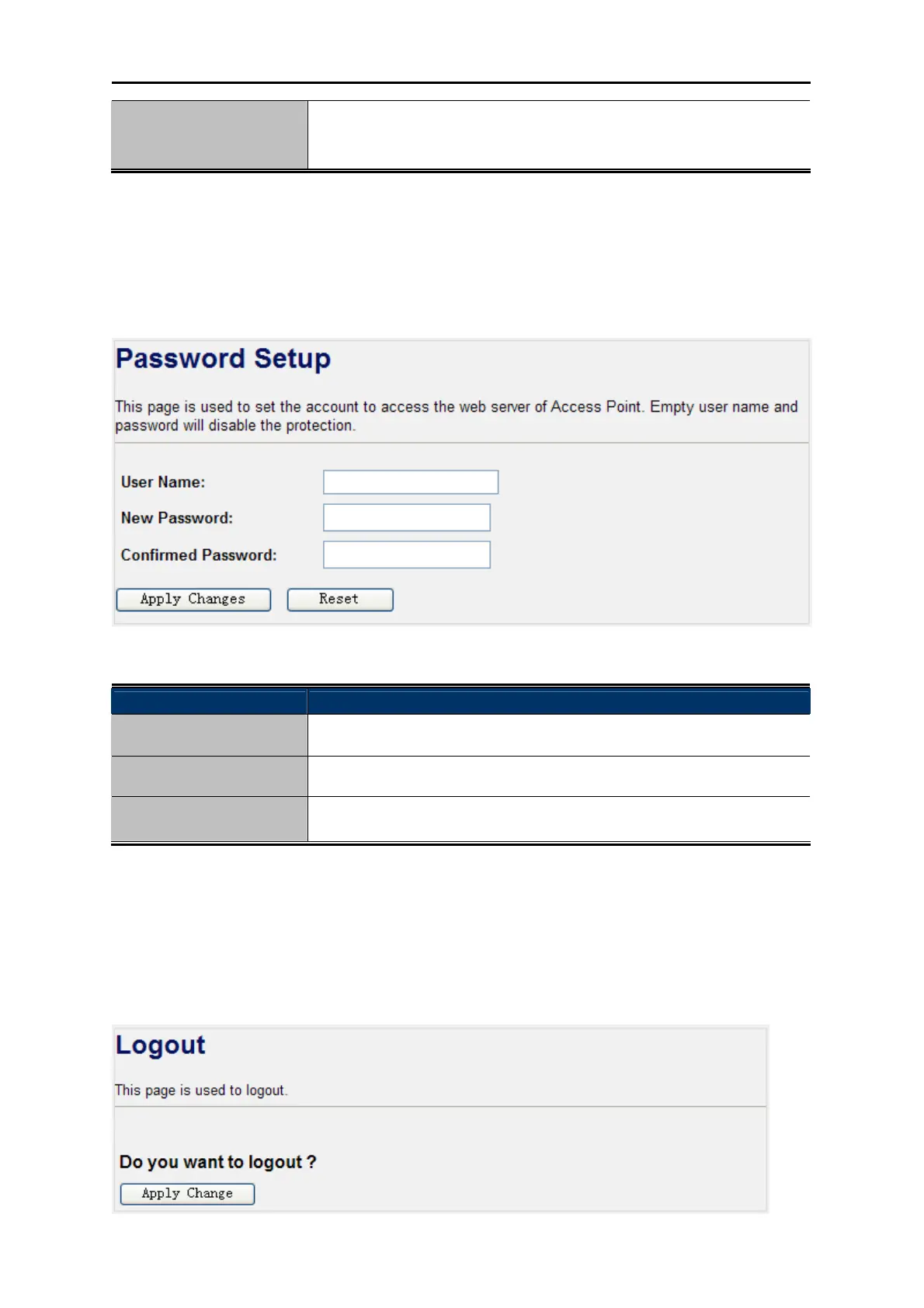
Choose menu “Management Password” to change the user name and password which is inputted
to access the web UI of the WNRT-300.
Figure 4-42 Password Setup
Object Description
User Name
Enter user name.
New Password
Input the password for this user.
Confirmed Password
Confirm the password again.
4.10. Logout
Click “Logout” to log out the web UI of the WNRT-300. And then click the “Apply Change” button for
sure.
Figure 4-43 Logout



 To Next Page