User’s Manual of WNRT-300
-52-
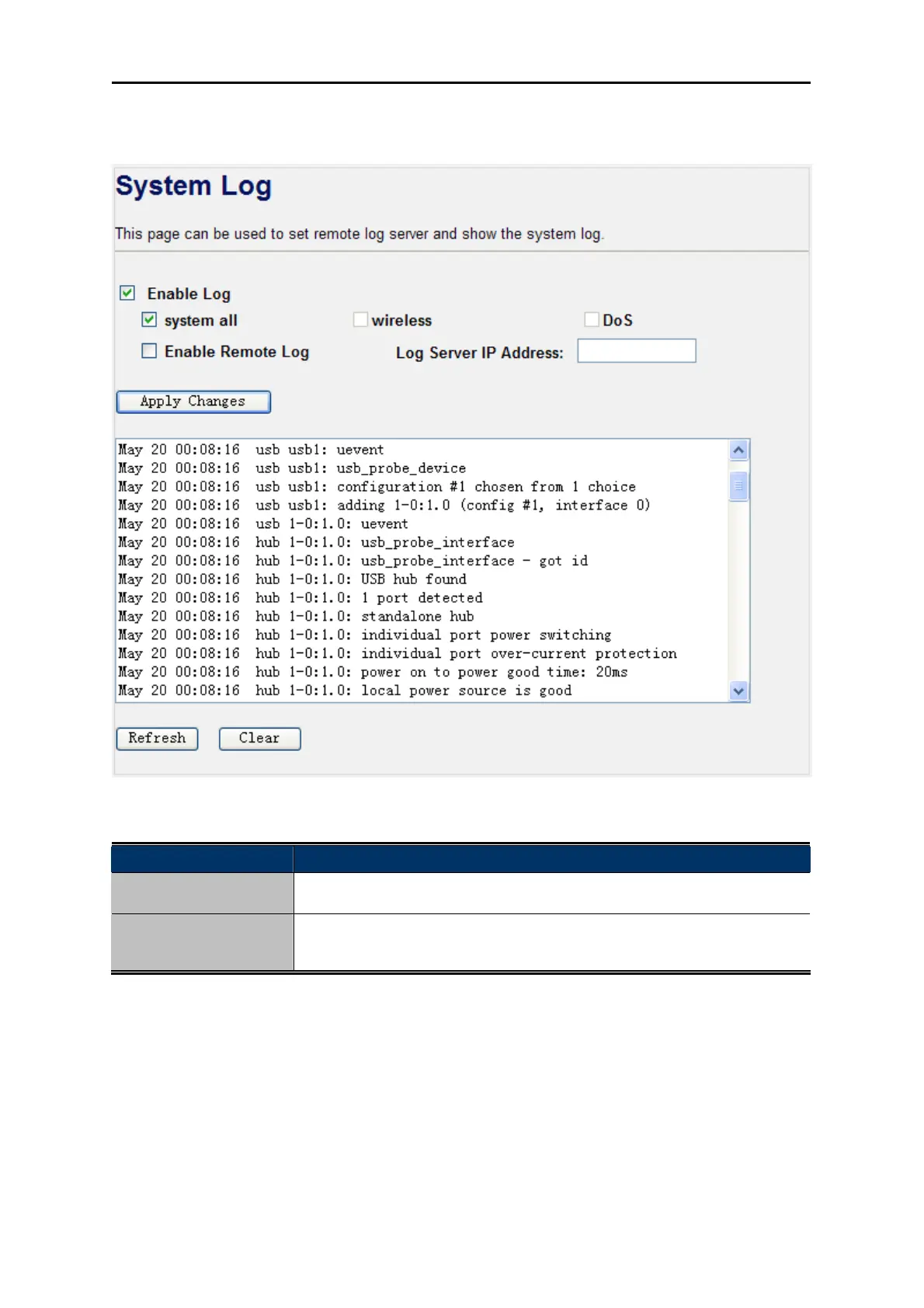
the items you want to record it in the log. After the configuration, please click the “Apply Changes”
button to save the settings.
Figure 4-39 System Log
Object Description
Enable Log
Check to enable log function.
System all/Dos
Select which log you want to check. Related information will be shown at
below.
4.9.7. Upgrade Firmware
Choose menu “Management Upgrade Firmware” to upgrade the firmware of the WNRT-300.
Select the new firmware file downloaded from the PLANET website, and then click “Upload” button to
upgrade it.



 To Next Page