User’s Manual of WNRT-300
-43-
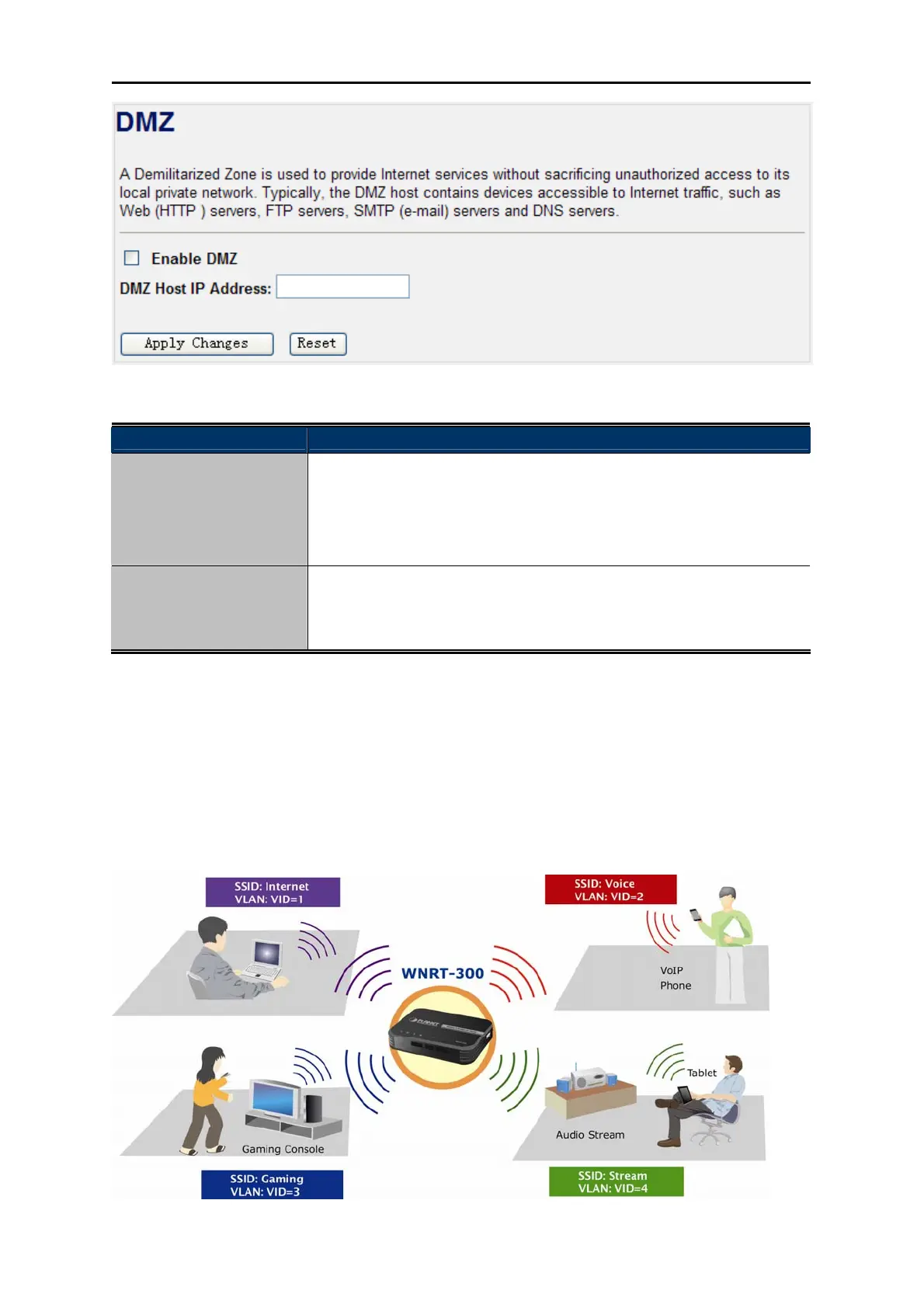
Figure 4-29 DMZ
Object Description
Enable DMZ
Check the box to enable DMZ function. If the DMZ Host Function is
enabled, it means that you set up DMZ host at a particular computer to
be exposed to the Internet so that some applications/software,
especially Internet / online game can have two way connections.
DMZ Host IP Address
Enter the IP address of a particular host in your LAN which will receive
all the packets originally going to the WAN port / Public IP address
above.
4.6.7. VLAN
If your network uses VLAN (Virtual Local Area Network)s, you can assign the SSID (configured for
Multiple AP) to a VLAN on your network. Client devices that associate using the SSID are grouped into
this VLAN. Up to 5 security profiles can be enabled at one time in WNRT-300, thus allowing up to 5
different SSIDs to be used simultaneously. Cooperating with the VLAN support, network administrators
can define separated wireless subnets for various Class-of-service and security policies.



 To Next Page