User’s Manual of WNRT-300
-34-
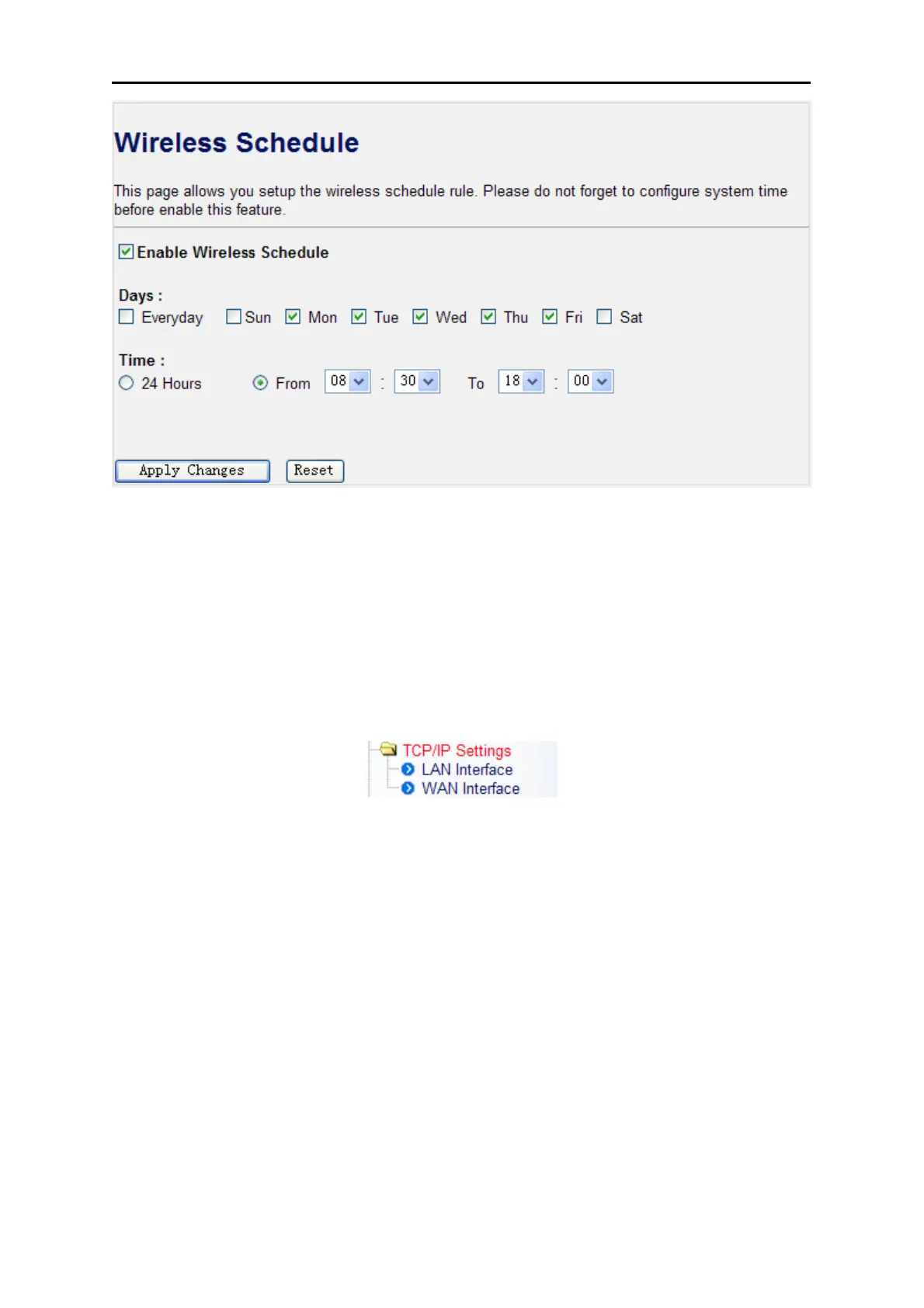
Figure 4-19 Wireless Schedule
4.5. TCP/IP Settings
The TCP/IP Settings menu contains submenus of the settings about LAN and WAN. Please refer to
the following sections for the details.
Figure 4-20
4.5.1. LAN Interface
Choose menu “TCP/IP Settings LAN Interface”, and you can configure the parameters for LAN
(Local Area Network). After the configuration, please click the “Apply Changes” button to save the
settings.



 To Next Page