User’s Manual of WNRT-300
-53-
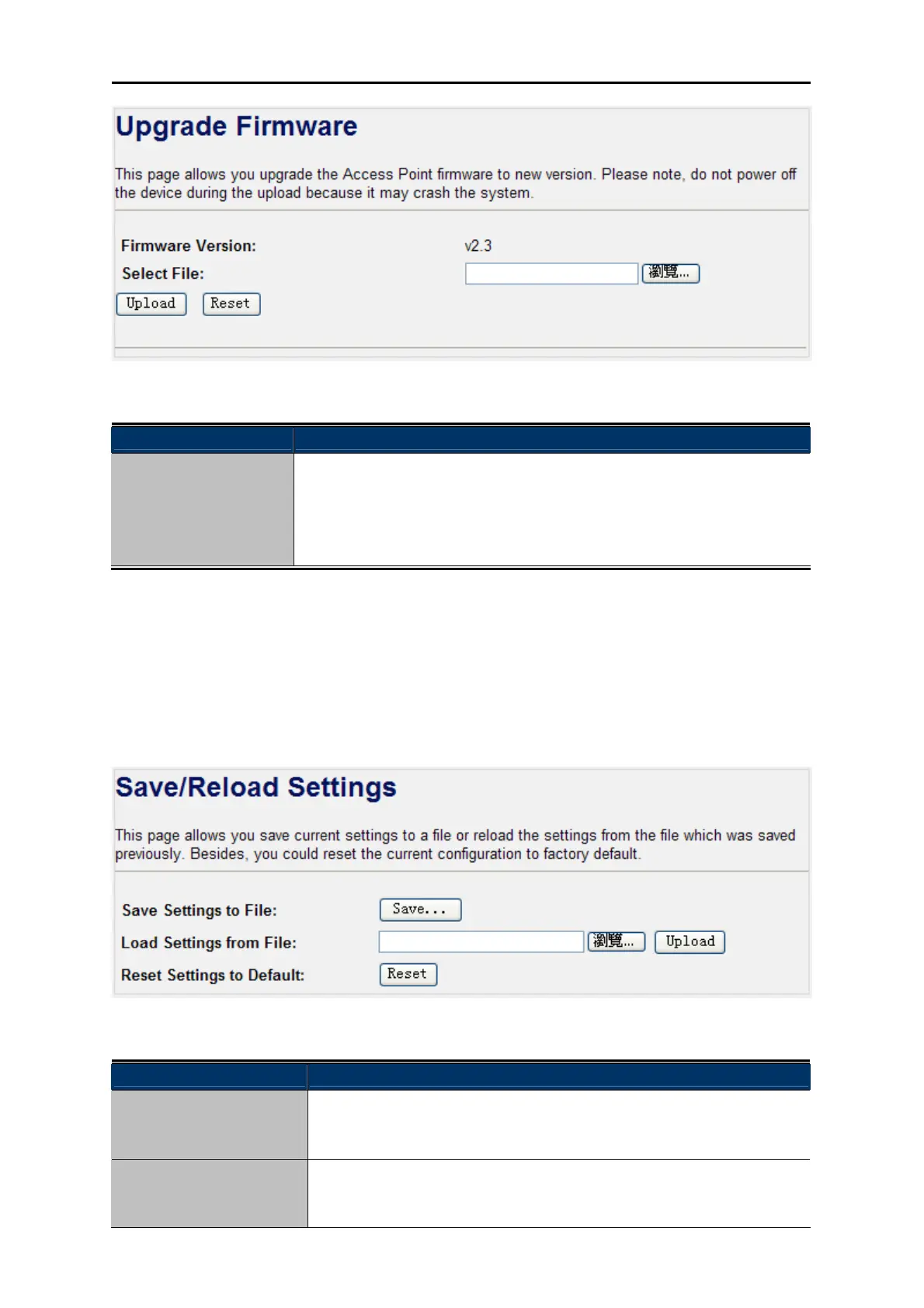
Figure 4-40 Upgrade Firmware
Object Description
Select File
Browse and select file you want to upgrade and press Upload to perform
upgrade.
Please wait till on screen shows related information after upgrade
finished.
4.9.8. Save/Reload Settings
Choose menu “Management Save/Reload Settings” to backup or reset the configuration of the
WNRT-300.
Figure 4-41 Save/Reload Settings
Object Description
Save Settings to File
Click the “Save…” button to backup the configuration of the
WNRT-300. And then save the “config.dat” in your computer.
Load Settings from File
Select the configuration file of the WNRT-300, and then click the
“Upload” button to reload the configuration back into the WNRT-300.



 To Next Page