User’s Manual of WNRT-300
-16-
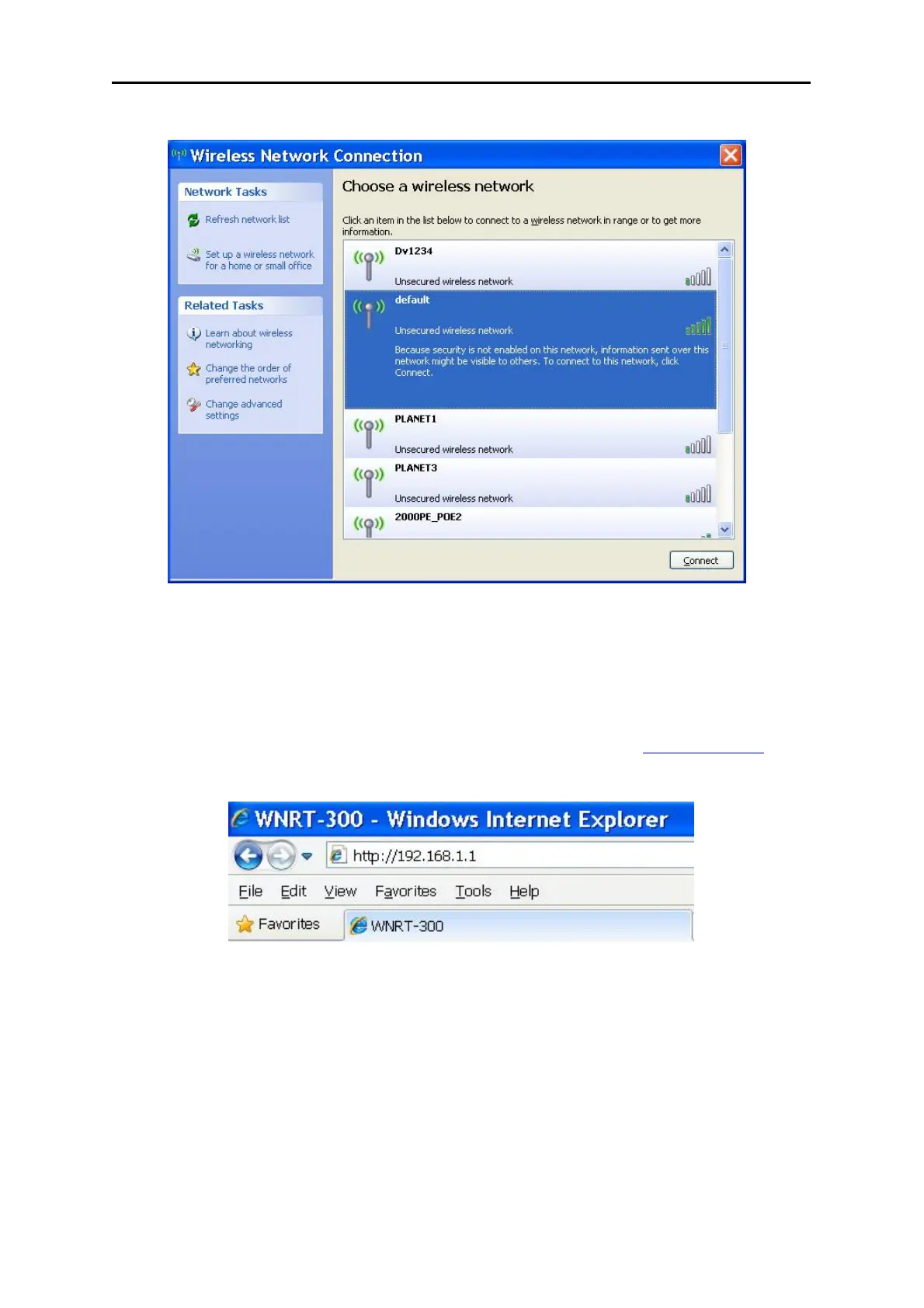
Figure 3-5
3.5. Starting Setup in Web UI
It is easy to configure and manage the WNRT-300 via web browser. To access the web UI of the
WNRT-300, please open a web browser and enter the default IP address http://192.168.1.1
in the
address field of the browser.
Figure 3-7
After a moment, a login window will appear. Enter the User Name and Password. Then click the OK
button.



 To Next Page