16
4-2: Connect the ber cable. Attach the duplex LC
connector on the network cable to the SFP+
transceiver. Attach the ber cable from the XT-705A to
the ber network. TX, RX must be paired at both ends.
Step 5: When all the connections are all set and the LED lights
all show normally, the installation is complete.
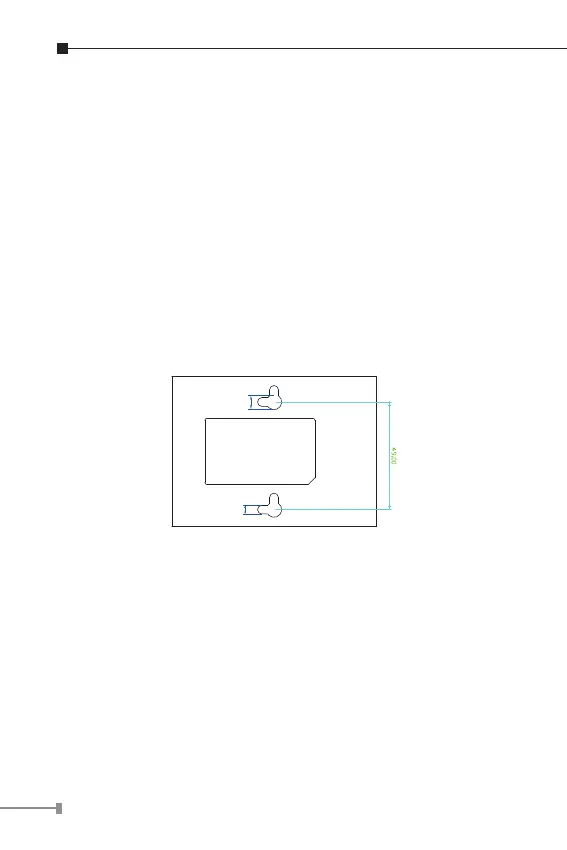
3.2 Wall-mount Installation
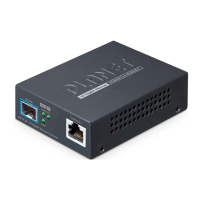
Step 1: Please nd the wall that can mount the Media
Converter
Step 2: Screw two screws on the wall.
XT-705A Switch Bottom Side
Ø7mm
Ø4mm
Step 3: Hang the Media Converter on the screws from the wall.



 To Next Page