1
4
Mini-101U
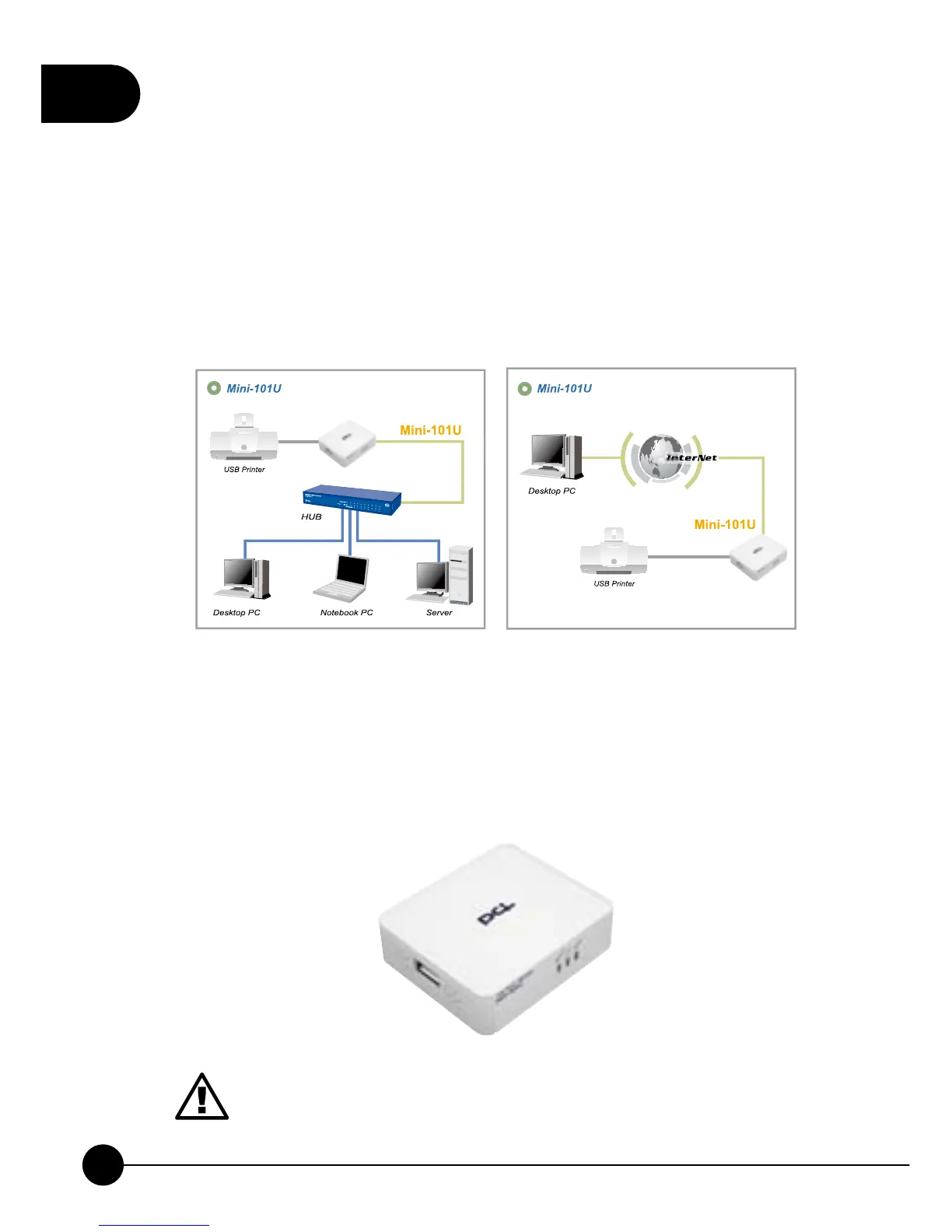
4.How to Set Up Mini-101U
1.U nw ra p the package o f Mini-101U Print Server and check if the
components are complete with nothing missing.
2.Use USB cable to connect Mini-101U Print Server with the printer which
you want to share with others.
3.Plug the RJ-45 cable into the UTP port on Mini-101U Print Server.
4.At last, connect the AC adapter with Mini-101U and plug the other
side of the power cord into the power socket. Power on Mini-101U
Print Server and it will automatically start the POST (Power-On-Self-
Test). While detecting, the Ready LED will be on and LAN LED will
be blinking for a while and then the Mini-101U will be ready in a short
time.
Plug the AC Adapter which comes with Mini-101U in a different
voltage power supply will cause damage on Mini-101U, and it is
not included in warranty.



 To Next Page