3.3. Setup WizardƖSetup
3.3.1. System
ClickņSetup WizardŇon the web browser of the print server's home
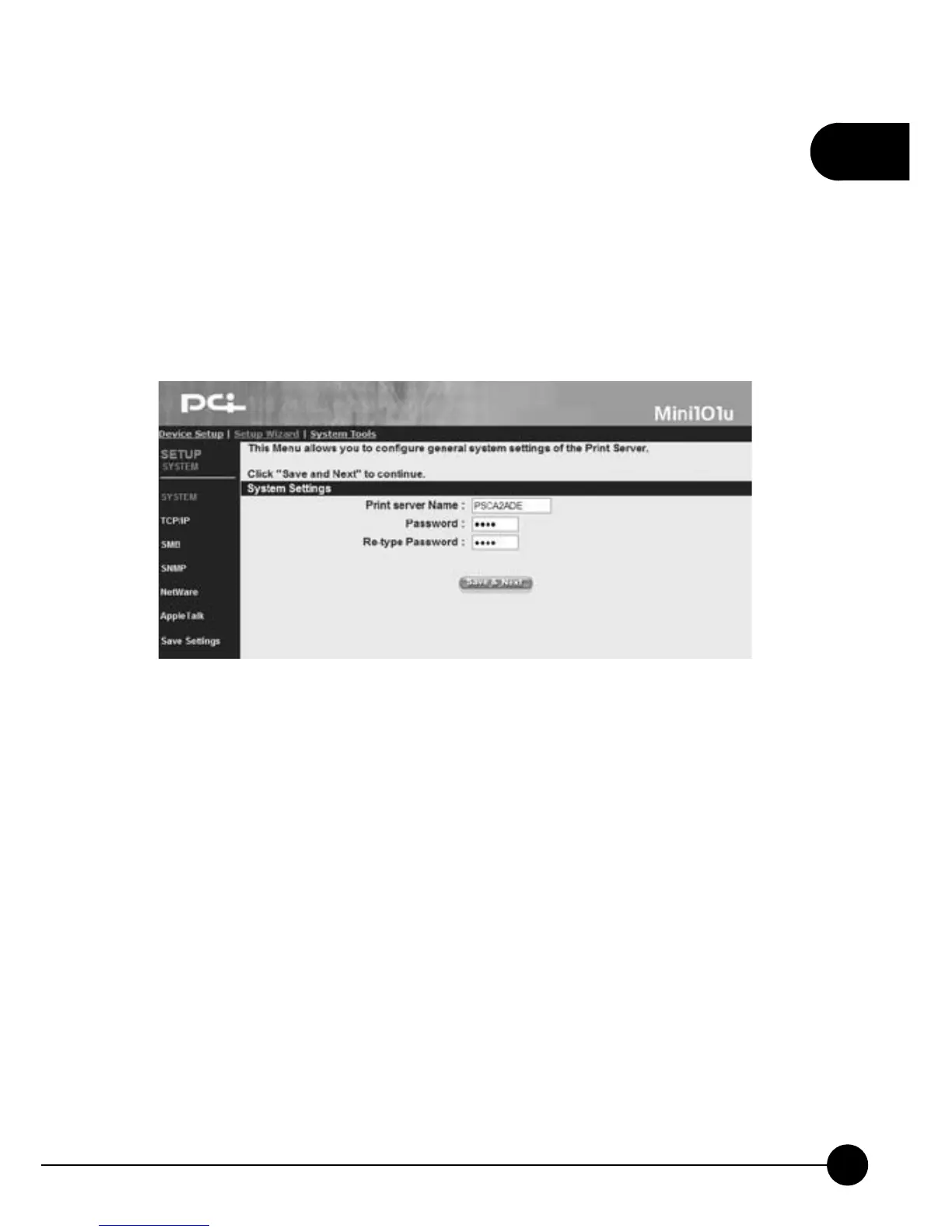
page. And clickņSystemŇthen it will show the following picture. It
allows you to configure the general system settings of this print server.
System Settings
œPrint Server NameĈYou can give Mini-101U Print Server a new name
and fill the name in this blank.
œPasswordĈThis password is used for entering the Web configuration
page. You can type a 7 digits password. The default password isņ0000.Ň
œRe-type PasswordĈTo verify the password, please type the new
password again.
œSave & NextĈAfter completing the system settings, please click this
button to go to the next step.



 To Next Page