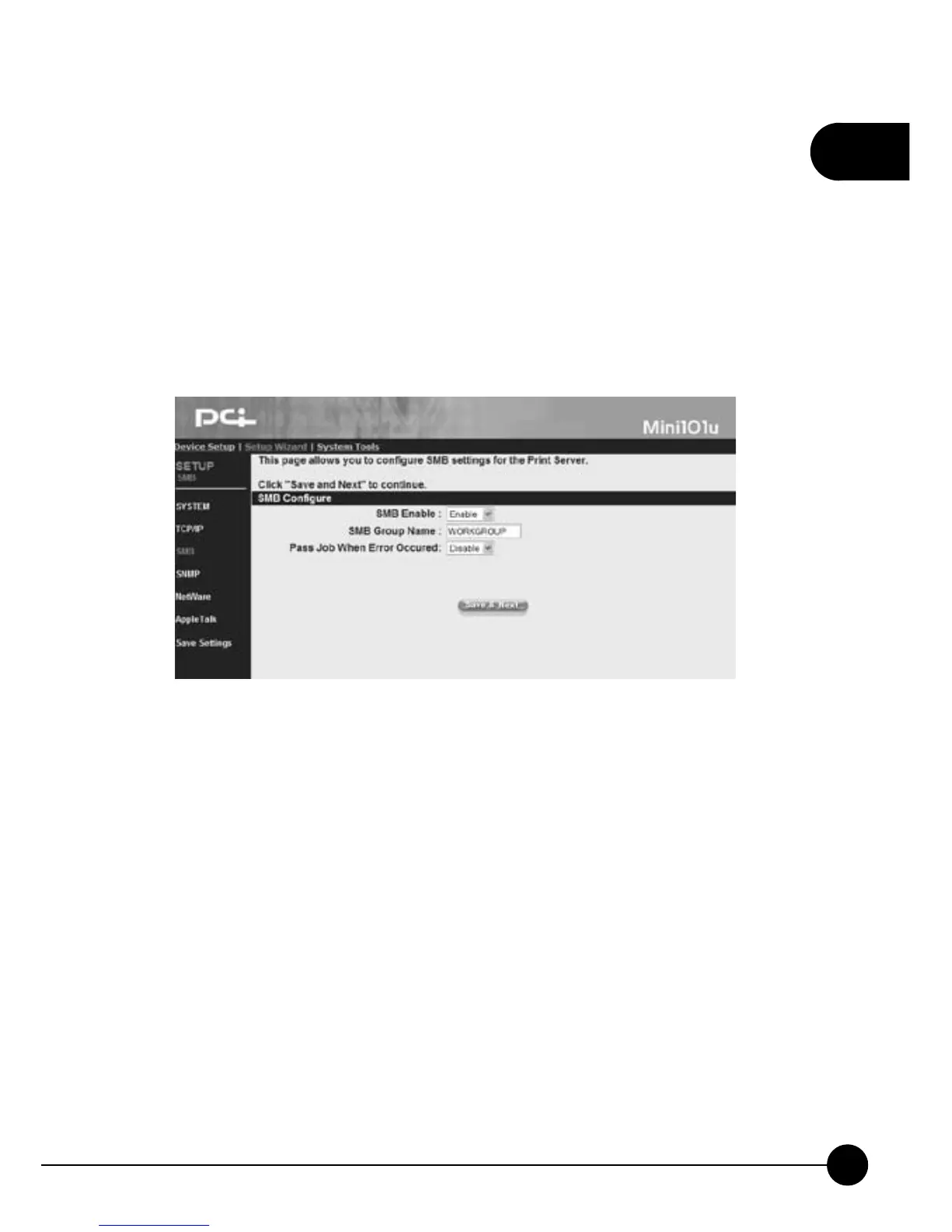
3.3.4. SMB
Mini-101U Print Server supports SMB (Server Message Block) protocol.
Users can use Network Neighbor to pass printing jobs without installing
the driver of the print server.
ClickņSetup WizardŇon the web browser of the print server's home
page. And clickņSMBŇthen it will show the following picture. You can
change the SMB of the print server on this page.
SMB Configure
œSMB EnableĈChoose Enable or Disable SMB. If you choose to
enable SMB, please enter the SMB Group Name which the print server
belongs to.
œSMB Group NameĈPlease enter the Group Name according to the
LAN you are in.
œPass Job When Error OccurredĈYou can Enable or Disable this
ņPass Job When Error OccurredŇfunction.
œWaiting time to pass jobĈWhen you chooseņPass Job When Error
OccurredŇfunction, this entry will show. You can set the waiting
period from 1~200 seconds.



 To Next Page