2
68
Mini-101U
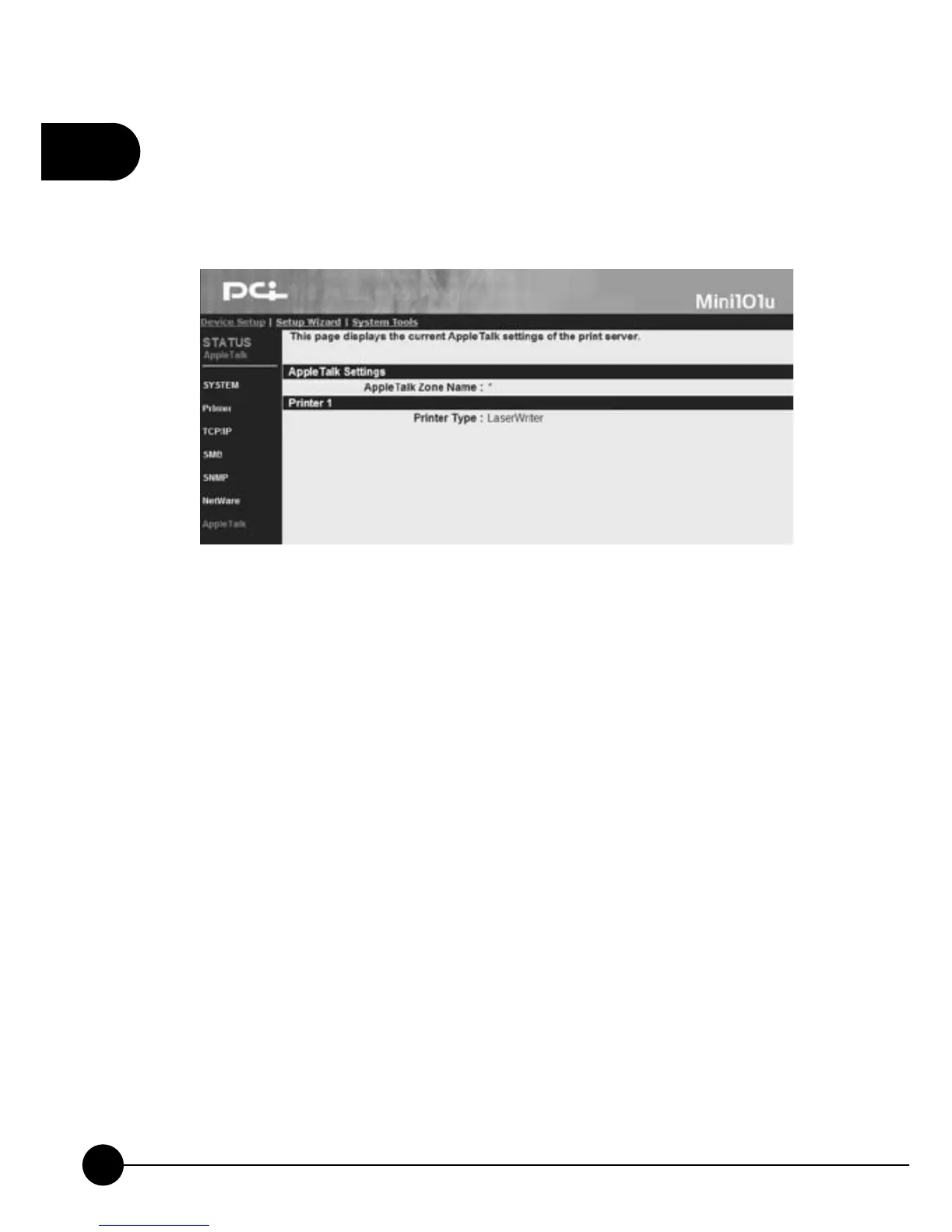
3.2.7. AppleTalk
ClickņDevice SetupŇand clickņAppleTalk,Ňthe following picture will
display the settings of the AppleTalk.
AppleTalk Settings
œAppleTalk Zone NameĈIf you are not sure the zone settings of the
AppleTalk, you can set this name asņ*(asterisk)Ňby using Web
Manager Utility.
Printer 1
œPrinter TypeĈThis setting shows the type of the printer which connects
to the print server. If you are using PostScript printer, you can choose
LaserWriter 8 icon on your Macintosh Computer to set up the printer's
driver.



 To Next Page