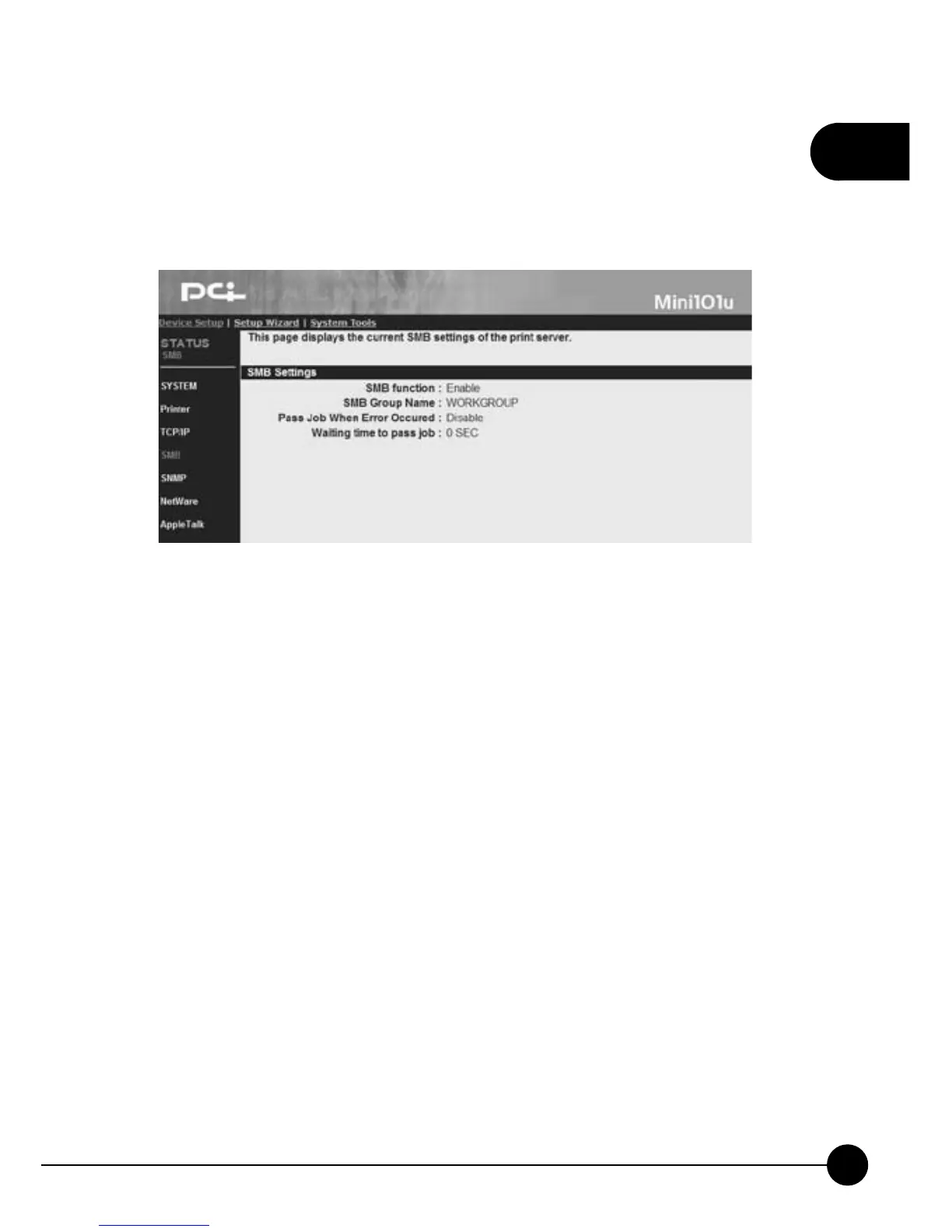
3.2.4. SMB
ClickņDevice SetupŇand then clickņSMB,Ňthe following page will
display. It shows the SMB settings of the print server.
œSMN functionĈThe SMB function can be Enable or Disable.
œSMB Group NameĈYou can check the SMB Group Name of Mini-
101U Print Server on Windows network here. This name should match
your Windows Network Neighbor's Group Name.
œPass Job When Error OccurredĈHere shows the functionņPass Job
When Error OccurredŇis Enable or Disable.
œWaiting time to pass jobĈIf you enable theņPass Job When Error
OccurredŇfunction, here will show the waiting period which set by
you.



 To Next Page