2
60
Mini-101U
3. Web Setup and ConÀguration
Mini-101U printerservercontainsaWEBmanagement interface,
and is able to be connected from the network with a web browser to its
web setup page. It is recommended that you use IE 4.0, Netscape 4.0 or
newer versions of web browser. The built-in WEB server can be managed
through web browsers and can manage printer server settings.
In order to let you successfully build a connection between Mini-
101U a nd your network/computer while installing the print
server. We suggest that you should set a static IP address for your
computer, for example, 192.168.1.100 (the default IP address of
Mini-101U is 192.168.1.200) that will help when configuring the
server.
3.1 Web Management Interface
If the IP address of your Mini-101U print server has been set, you should
be able to manage its status from a web browser. The print server status
menu can assist administrators in managing the latest status of the systems
and printers connected with the print server, and also NetWare, TCP/IP,
SNMP, and AppleTalk protocols.
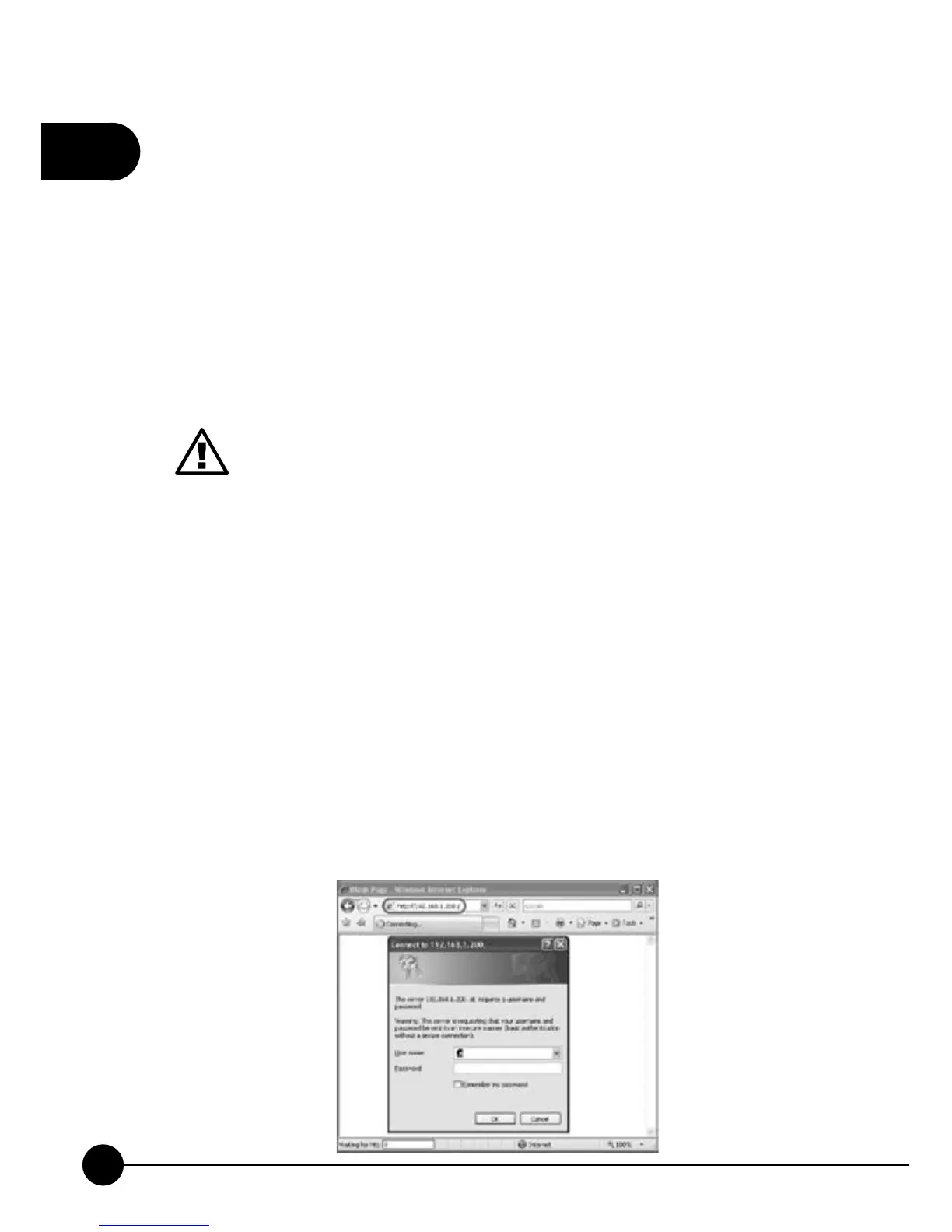
1.Please enter the IP address of the print server on the address bar of the
web browser.



 To Next Page