2
64
Mini-101U
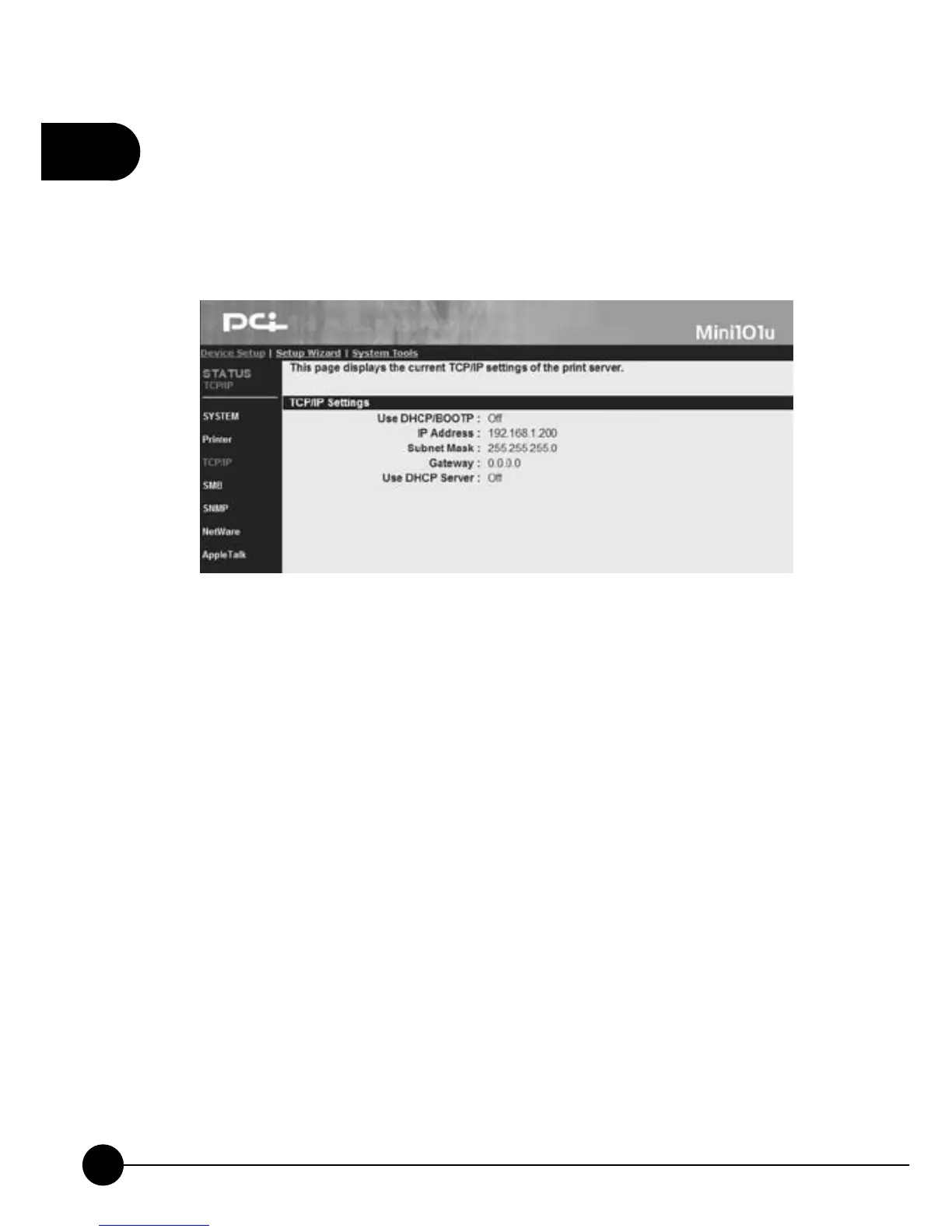
3.2.3. TCP/IP
ClickņDevice SetupŇand the subdirectory will show. Then clickņTCP/
IP,Ňthe following picture will show you the TCP/IP value of the print
server.
œUse DHCP/BOOTPĈIf your network has DHCP/BOOTP server, you
can see if the server distribute IP address to print server or not.
œIP AddressĈHere you can check the current IP address of the print
server. (The default IP address is 192.168.1.200)
œSubnet MaskĈThis entry shows the subnet mask of the print server.
œGatewayĈIt shows the IP address of the print server's gateway.
œUse DHCP ServerĈThis entry will tell you the DHCP server isņOffŇ
orņOn.Ň



 To Next Page