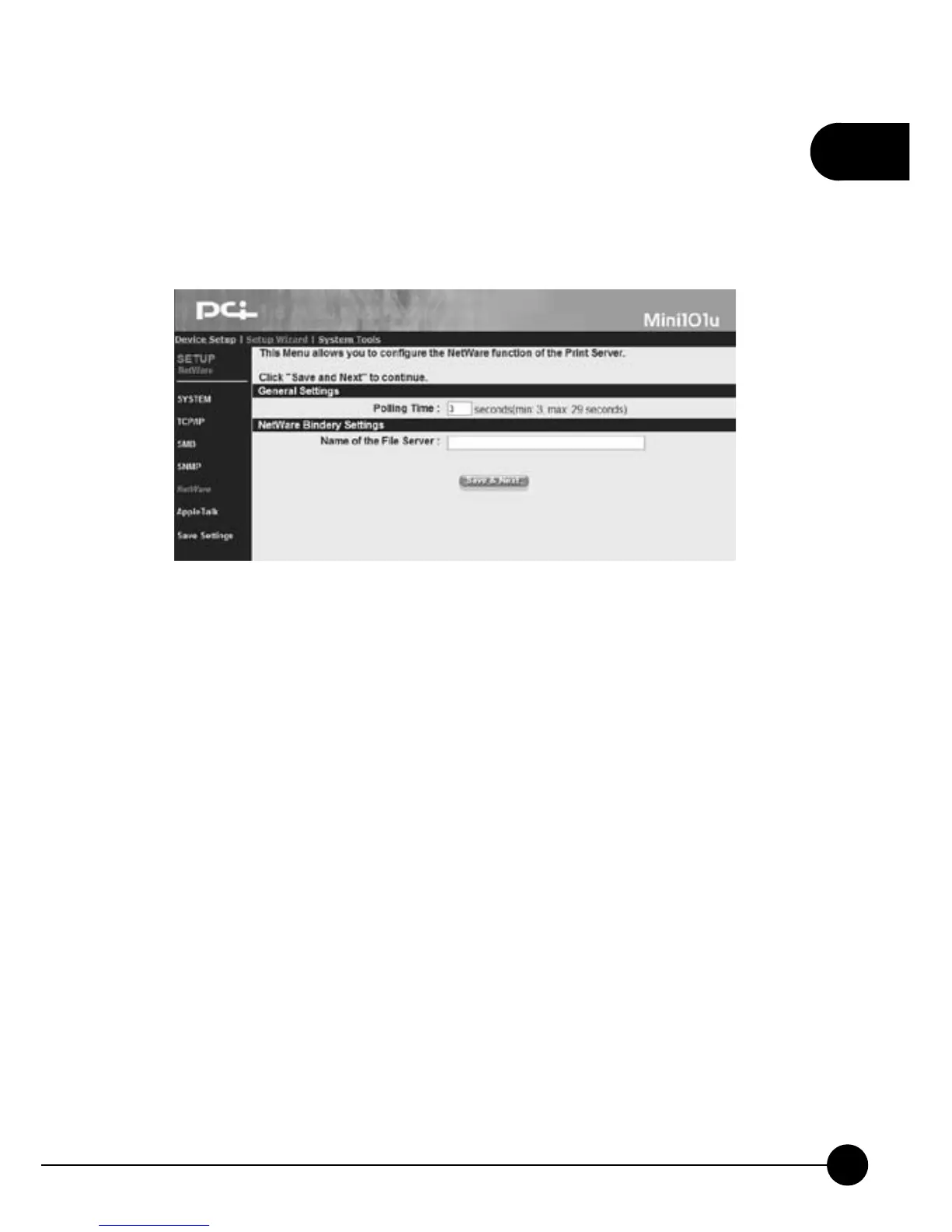
3.3.6. NetWare
ClickņSetup WizardŇon the web browser of the print server's home
page. And clickņNetWareŇthen it will show the following picture. You
can change the NetWare settings of the print server on this page
General Settings
œPolling TimeĈThe polling interval of Mini-101U can be set from 3 to
29 seconds.
NetWare Bindery Settings
œName of the File ServerĈ If you want to use Bindery mode, please
enter the NetWare's file server name, and the information of the server
can be added from the utilities.



 To Next Page