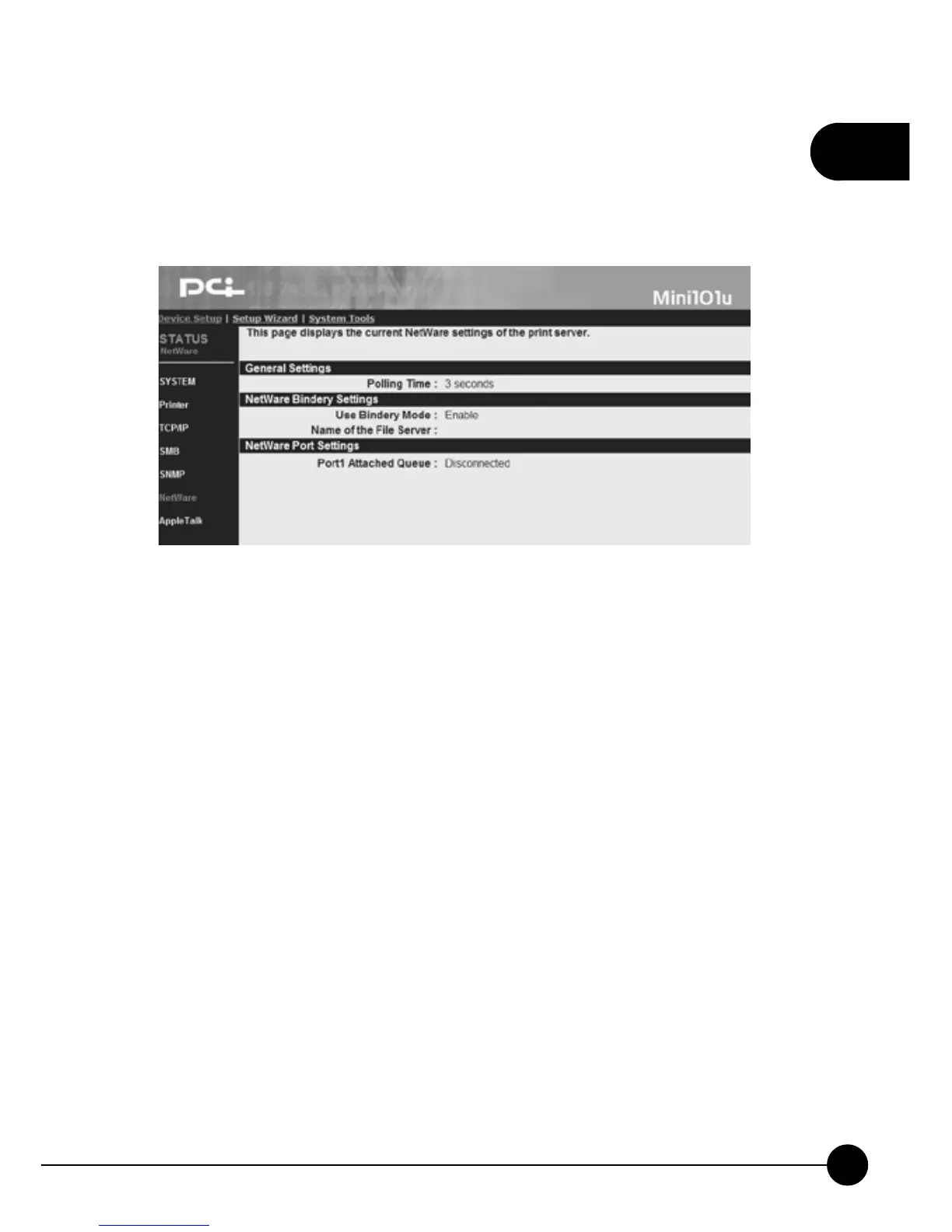
3.2.6. NetWare
ClickņDevice SetupŇand click theņNetWareŇon the left side of the
page, it will show you the NetWare settings of the print server.
General Settings
œPolling TimeĈPolling function can be used to inquire the status of the
NetWare server on the network for every period of time.
NetWare Bindery Settings
œUse Bindery ModeĈYou may choose whether Mini-101U need to use/
enable Bindery mode or disable this function.
œName of the File ServerĈHere shows the NetWare server which is
providing the service now.
NetWare Port Settings
œPort1 Attached QueueĈIt shows the status of the print server which
connects to the NetWare port. It can be Connected or Disconnected.



 To Next Page