2
76
Mini-101U
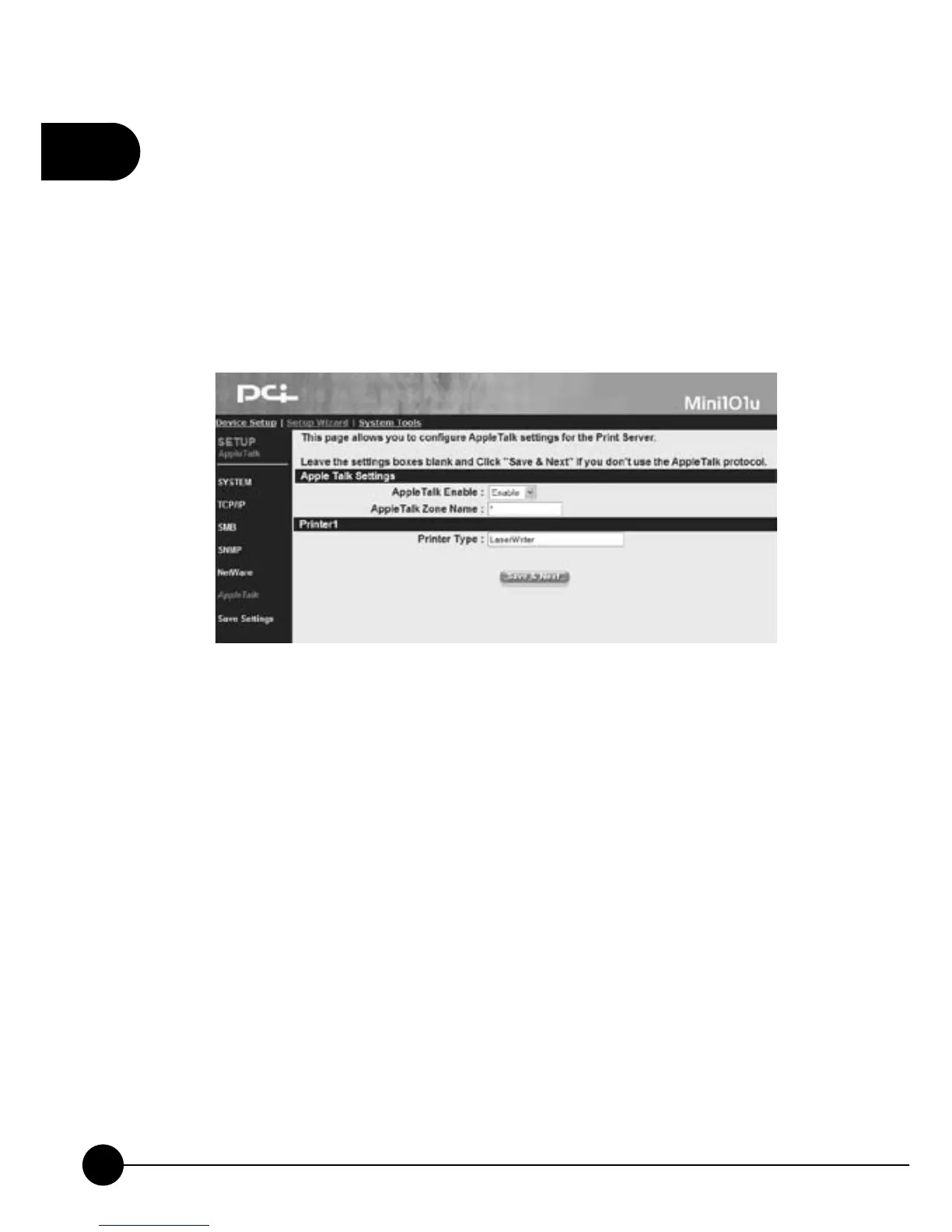
3.3.7. AppleTalk
Mini-101U Print Server accepts the printing job sent from the Macintosh
workstation by using AppleTalk protocol through the Ethernet. To do the
basic print server setup in the AppleTalk environment, you only need to
openņChooserŇwindow and choose a printer which connects to the print
server, and then you can start printing.
AppleTalk Settings
œAppleTalk EnableĈYou can choose Enable or Disable the AppleTalk
function.
œAppleTalk Zone NameĈYou can change the AppleTalk Zone Name
which belongs to your print server, or leave the default name (If you set
up this entry, you can make the print server automatically search and
link to the default zone w hich set up by the Apple Talk.). Only those
workstations which are working in the same zone can share the printer.
If you want to share this printer with all the people, please enter ņ
*(asterisk)Ň in this blank.
Printer 1
œPrinter TypeĈYou can choose default type which is automatically
detected by the print serever (Recommended).



 To Next Page