2
8
Mini-101U
1.Put the Mini-101U CD-ROM into the CD-ROM driver, and go to the root
directory. Double click onņPCI PS Utilities-Admin(Multilingual).exe
Ňand you can start to install the print server and set up the printer which
connects with Mini-101U.
The following pictures of installing Utilities and Driver are all
captured from Windows XP operating system. These installations
steps are all similar in Windows 98/ME/2000/2003.
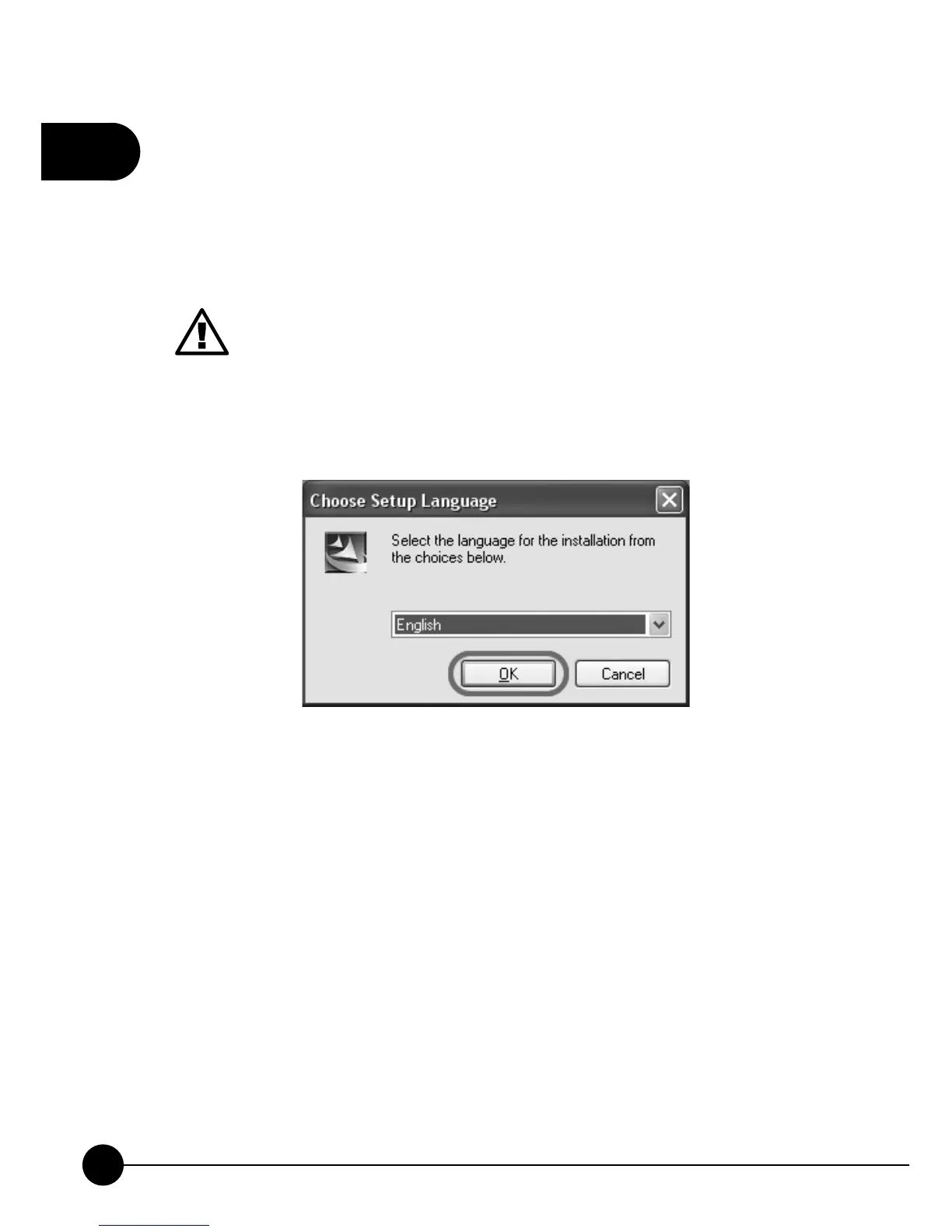
2.First, please select the language for the installation and then clickņOKŇ.
3.After getting into the InstallShield Wizard, it will show the following
page. Please make sure that your Mini-101U print server is ready and the
hardware of the printer was installed and the power is on. If you want to
continue, please clickņNext.ŇAnd if you want to install the utility later,
you may clickņCancel.Ň



 To Next Page