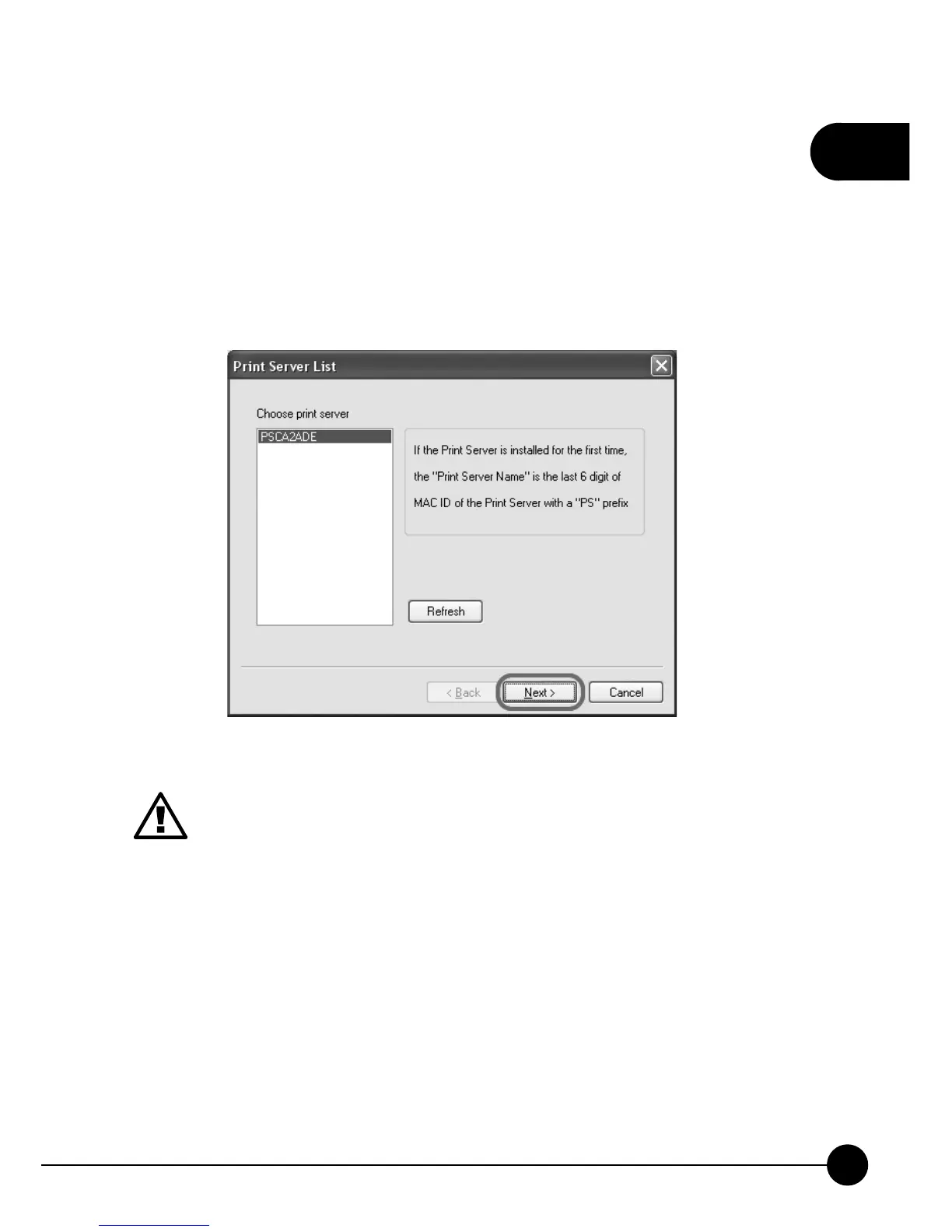
7.The wizard will start to install the utilities. After completing the
installation, it will show the detected print server on the list and you may
start to configure the print server.ņChoose print serverŇlist will show
all the print servers on the LAN. If the print server you want to configure
does not show on the list, please clickņRefreshŇ. Choose the print
server you want to configure and clickņNextŇto continue installing.
1.Print Server Name is the last 6 digit of MAC ID marked on the
back of the print server and plus theņPSŇprefix.
2.Here only shows the print servers which have the same brand
and in the same LAN.



 To Next Page