2
16
Mini-101U
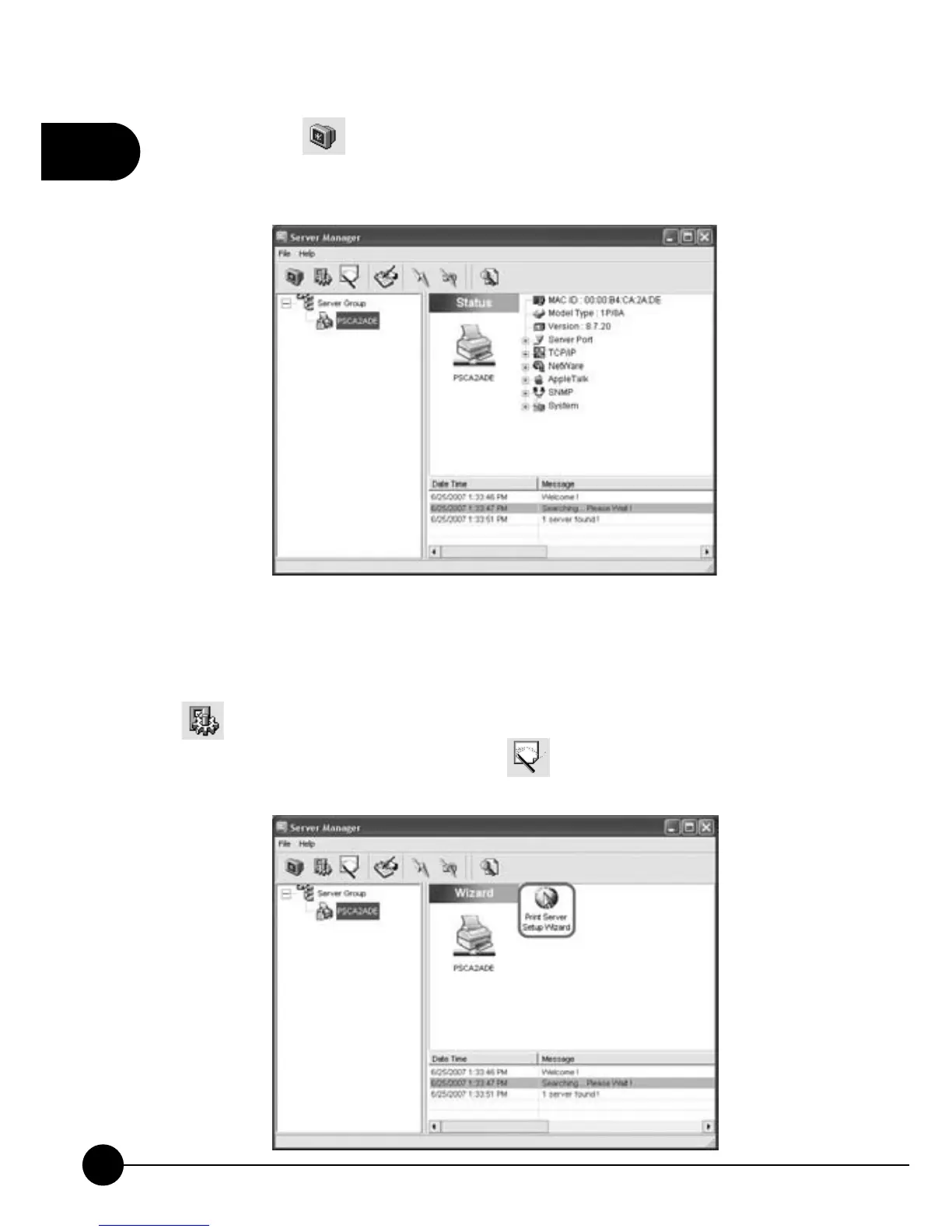
3.Click on the icon and choose the print server which you want to
use. Right side of the w indow will show you the MAC ID, Model Type,
Firmware Version, and etc.
4.You can follow the steps and set up Mini-101U Print Server on the
network through the Print Server Setup Wizard in the Server Manager
utility. If you want to change any settings later on, you may click on the
icon and choose the item you want to configure and modify the
settings. Now you may click on the
icon, and clickņPrint Server
Setup WizardŇto enter the wizard program.



 To Next Page