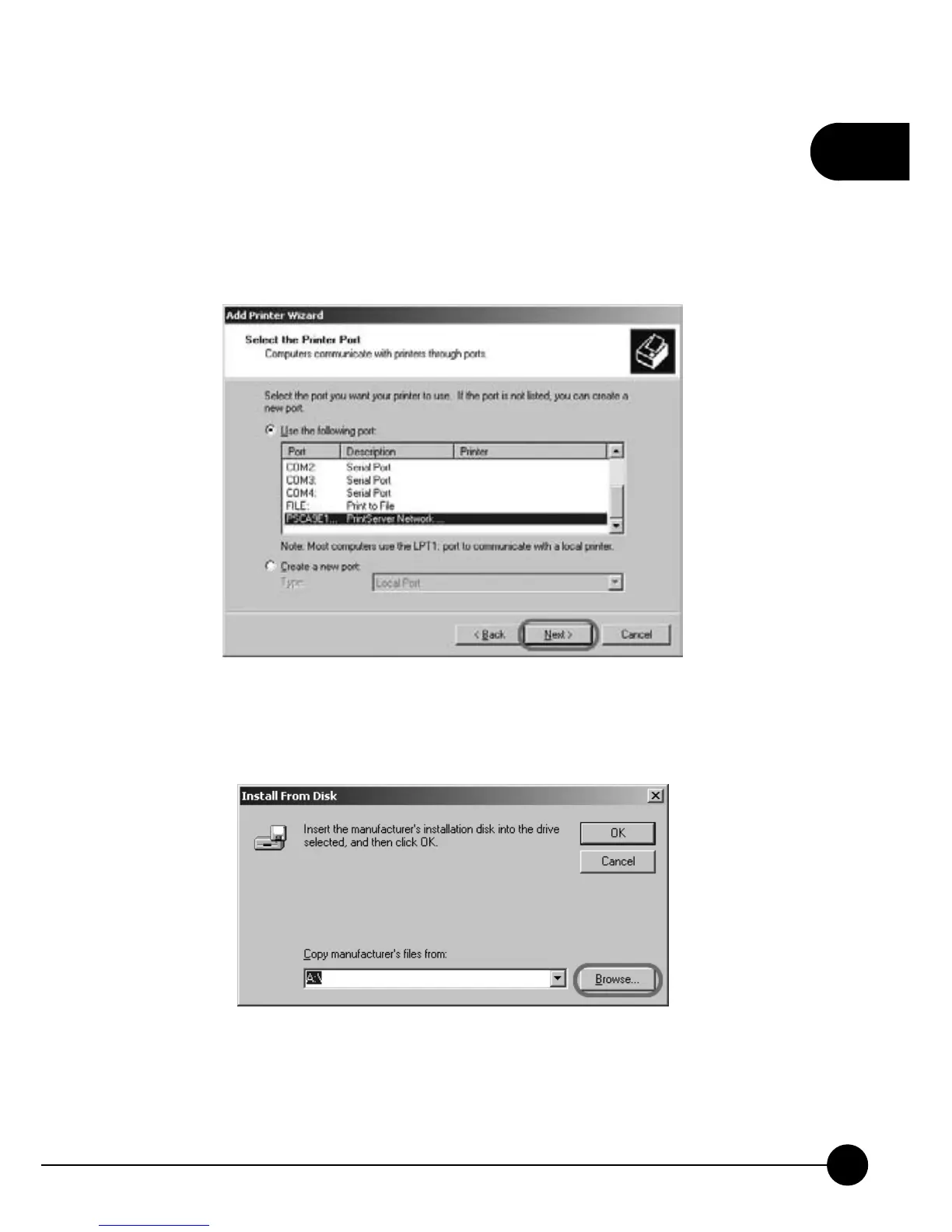
6.Please choose the model of your printer according to the printer you are
connecting to. And clickņNextŇto continue adding a printer. If there
does not have the driver for your printer or your printer has the latest
driver, you can clickņHave DiskĀŇto find the file of the printer's
driver.
7.If you clickņHave diskĀ,Ňyou will have to clickņBrowseĀŇto
find the folder which has the printer's driver.



 To Next Page