2
80
Mini-101U
œBrowse
Before upgrading the firmware, please check the current version of
the firmware first, and then download the firmware from the website.
ClickņBrowseŇto search for the downloaded firmware file in your
computer, and then clickņOKŇto start upgrading.
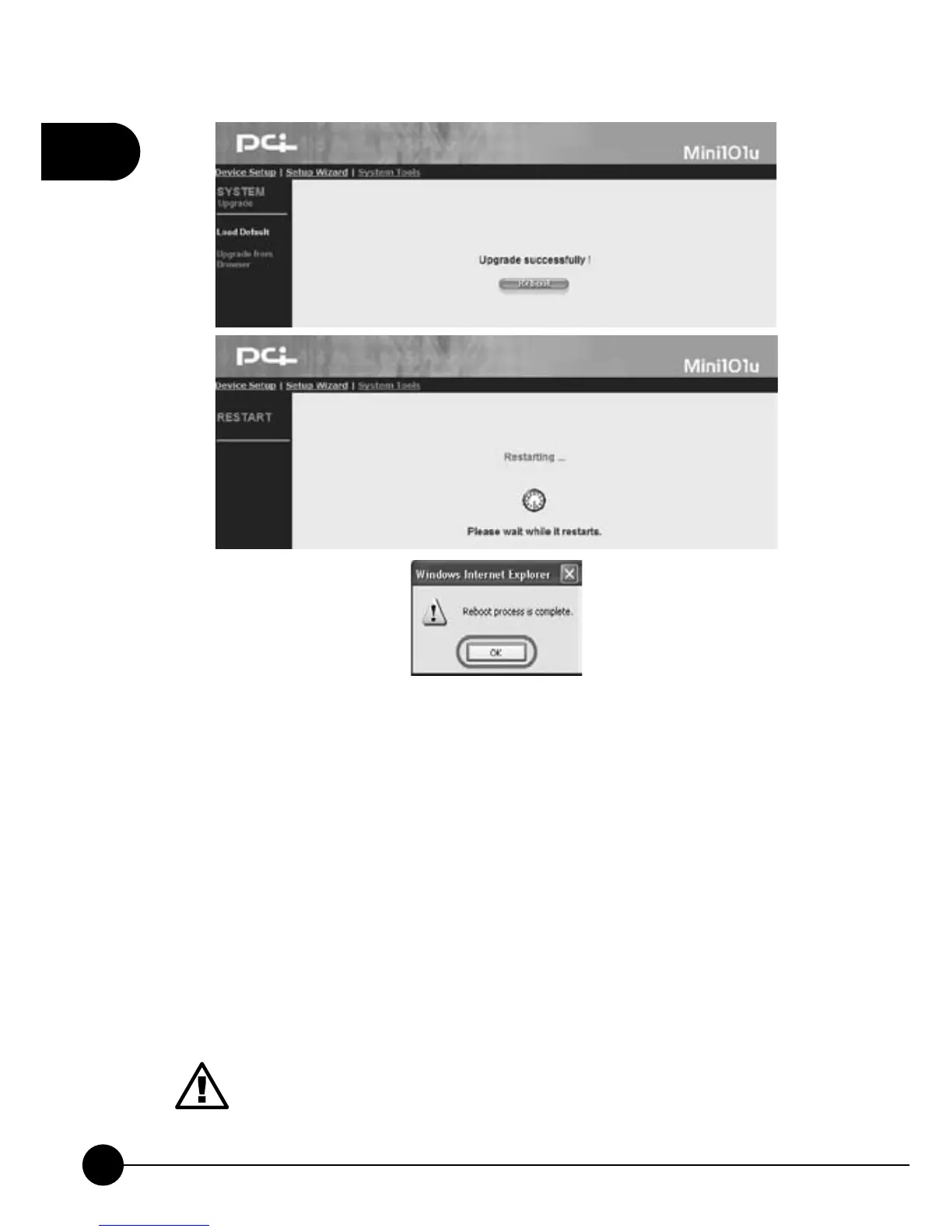
œReboot
After uploading the firmware, you have to reboot the system to activate
the new firmware.
DO NOT cut off the power by haphazard, or the firmware upgrade
might be failed and cause the system disorder. Please DO NOT
cut off the power or close the upgrading program until the system
notify that the system upgrading successful.



 To Next Page