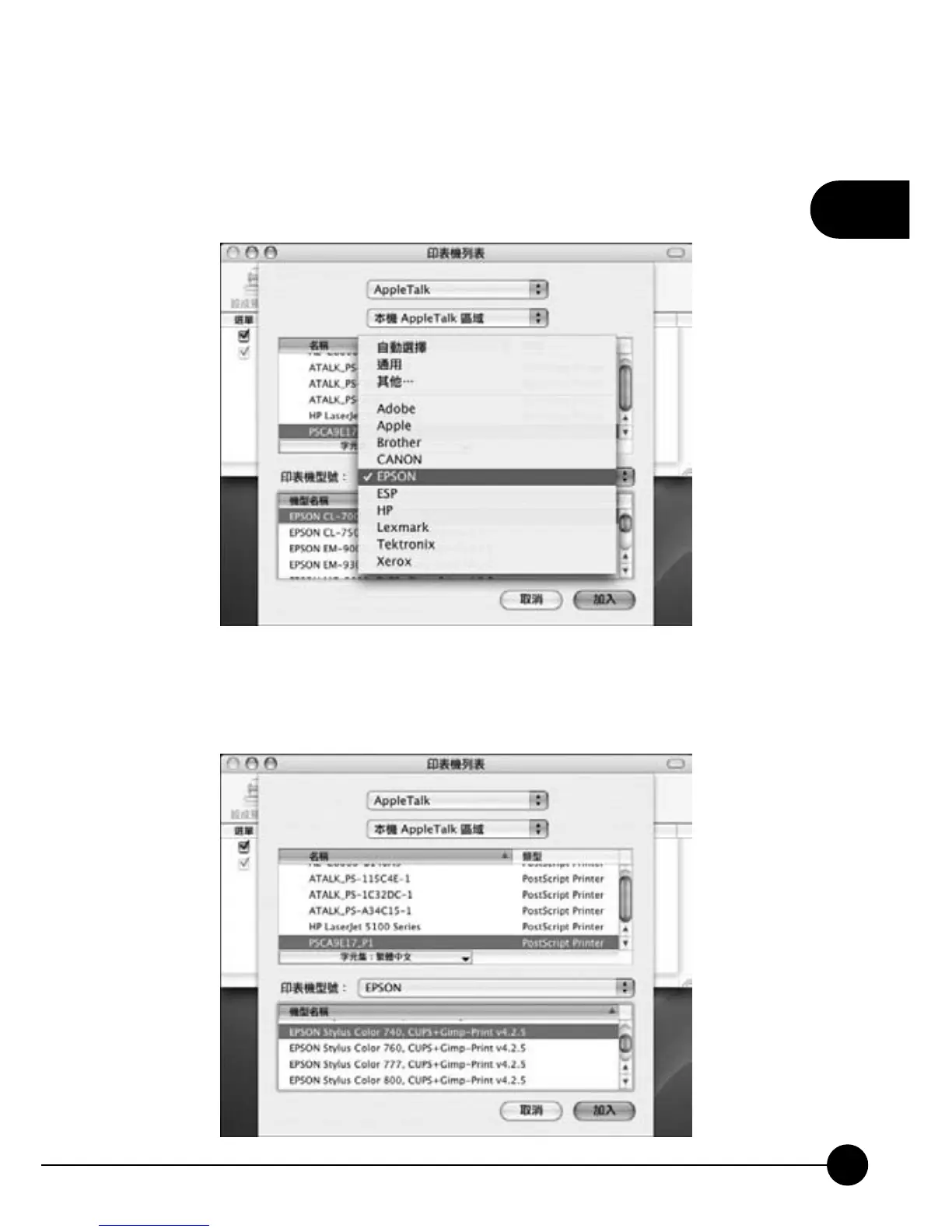
8.Choose the manufacture of your printer. If you have the compatible or
latest driver of your printer which supports Apple OS/X, please install it
first and then enterņPrint and FAXŇafter finishing installing.
9.Choose the suitable driver for your printer on the list, and click ņAddŇ
to finish installing adding a printer.



 To Next Page