Planmeca Proline XC Panoramic X-ray 21
GRAPHIC USER INTERFACE
User's manual
7.3.1 Selecting patient size
To change the patient size from adult to child, touch
the Patient size field on the main display. To change
the setting back to adult, touch the Patient size field
again.
If the patient is a child or a very small adult select the
child setting, otherwise select Adult. When you select
the child setting the width and height of the exposed
area will be slightly reduced.
7.3.2 Selecting kilovolt/milliampere values
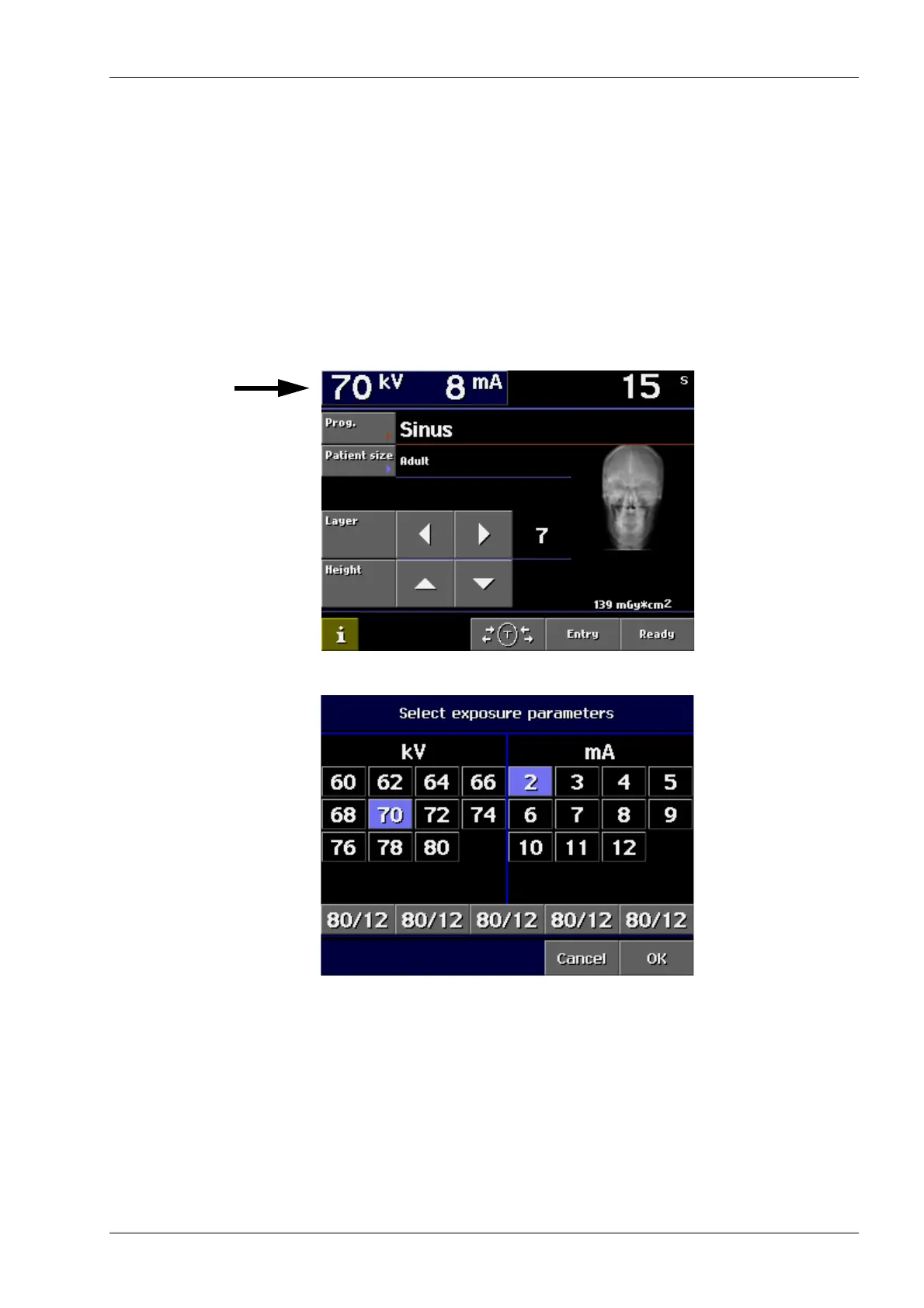
Touch the kV/mA field on the main display.
The following display appears.
Select the correct exposure values for the patient
being X-rayed according to the build of the patient. The
exposure values for sinus exposures are given in
section “11 SINUS EXPOSURE PROGRAM” on page
41.
Confirm the selection and return to the main display by
touching OK.














 To Next Page