GRAPHIC USER INTERFACE
22 Planmeca Proline XC Panoramic X-ray
User's manual
7.4 User preference settings
The control panel has a number of additional functions
for special requirements. Some of the special functions
(e.g. Time&date adjustment, Behavioural preferences
and Parameter history) can be entered by the user,
whereas Service settings is for the use of service
personnel only. This section describes the user
specific special functions.
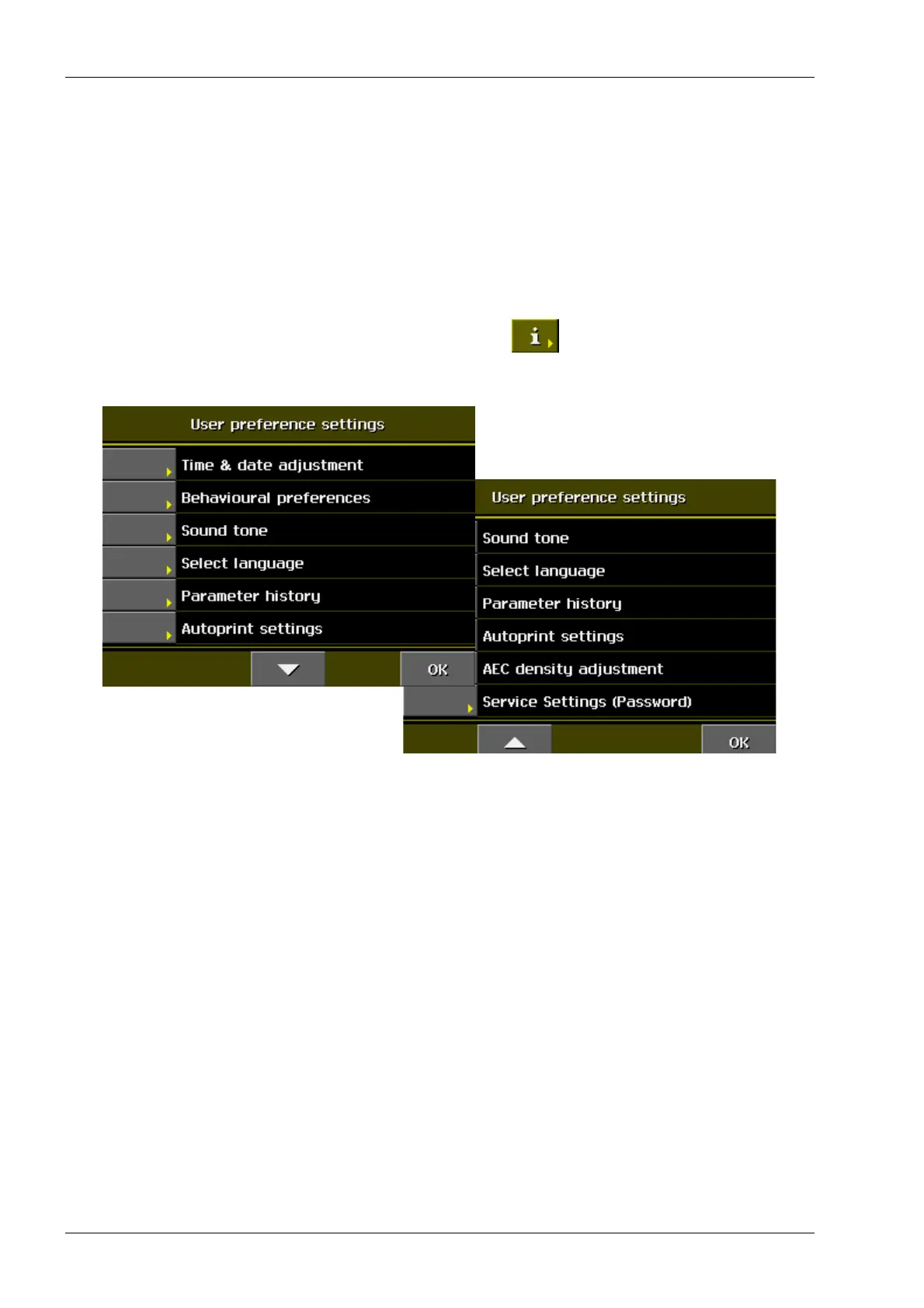
To enter the list of the User settings, first touch the
i field.
The following display appears. Touch the arrow to
scroll up and down the list.
To return to the main display, touch OK.














 To Next Page