Planmeca Proline XC Panoramic X-ray 23
GRAPHIC USER INTERFACE
User's manual
7.4.1 Time&date adjustment
NOTE The time is set at the factory to the local time.
Change the time to show correct time/date
before using the unit.
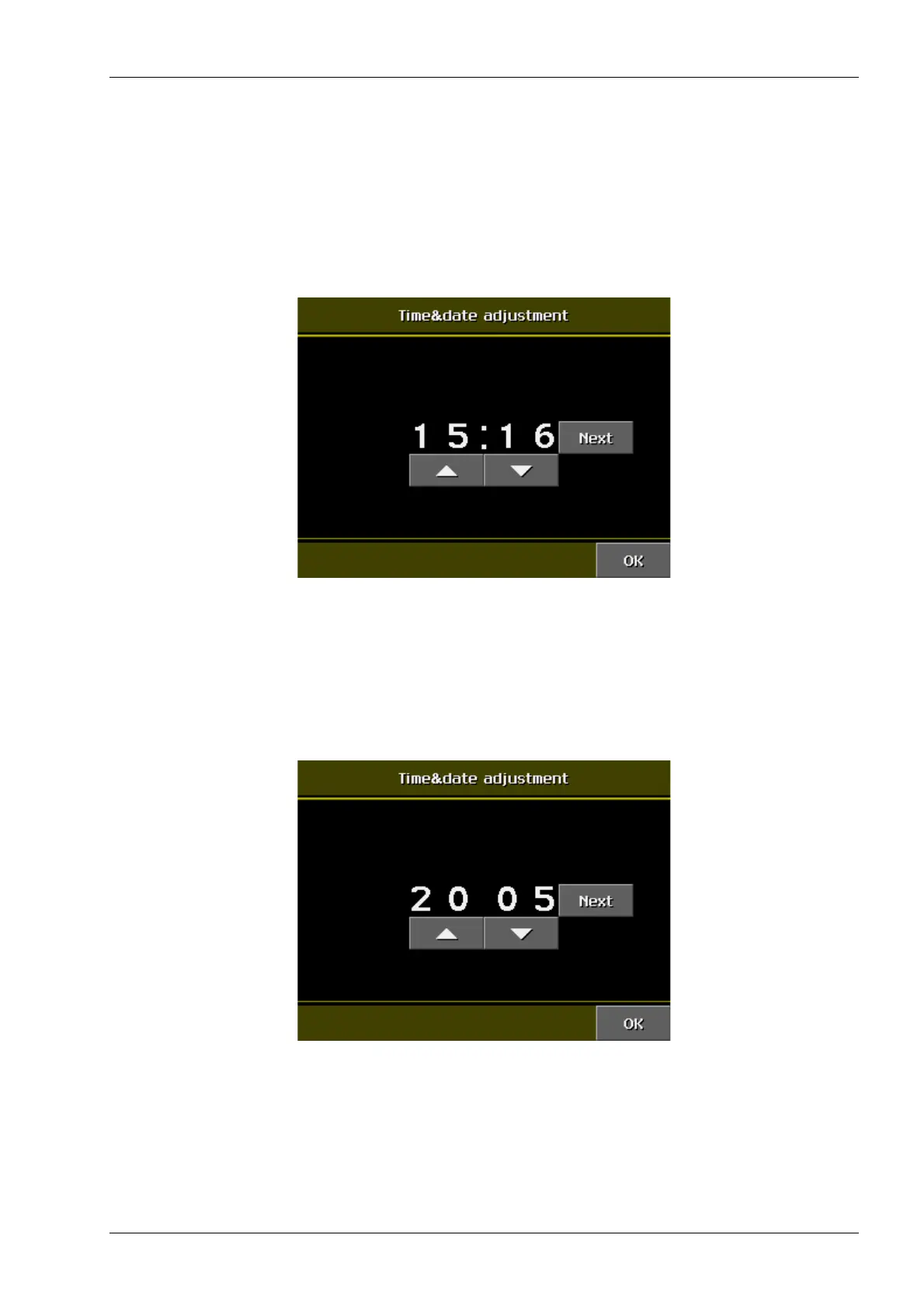
Touch the Time&date adjustment on the User settings
display. The following display appears. Each time you
touch the Next field different clock digits will start to
flash.
First the minutes start to flash. Use the arrows to set
the correct time. Touch Next to confirm your selection.
Subsequently, the hours start to flash. Proceed as
above.
After you have set up the time, the date display
appears. Make your selection (days, months and
years) by using the arrows and confirm by touching the
Next field.
Touch the OK field to exit the clock setting mode when
you have finished setting the time.














 To Next Page