Planmeca Proline XC Panoramic X-ray 9
GRAPHIC USER INTERFACE
User's manual
7 GRAPHIC USER INTERFACE
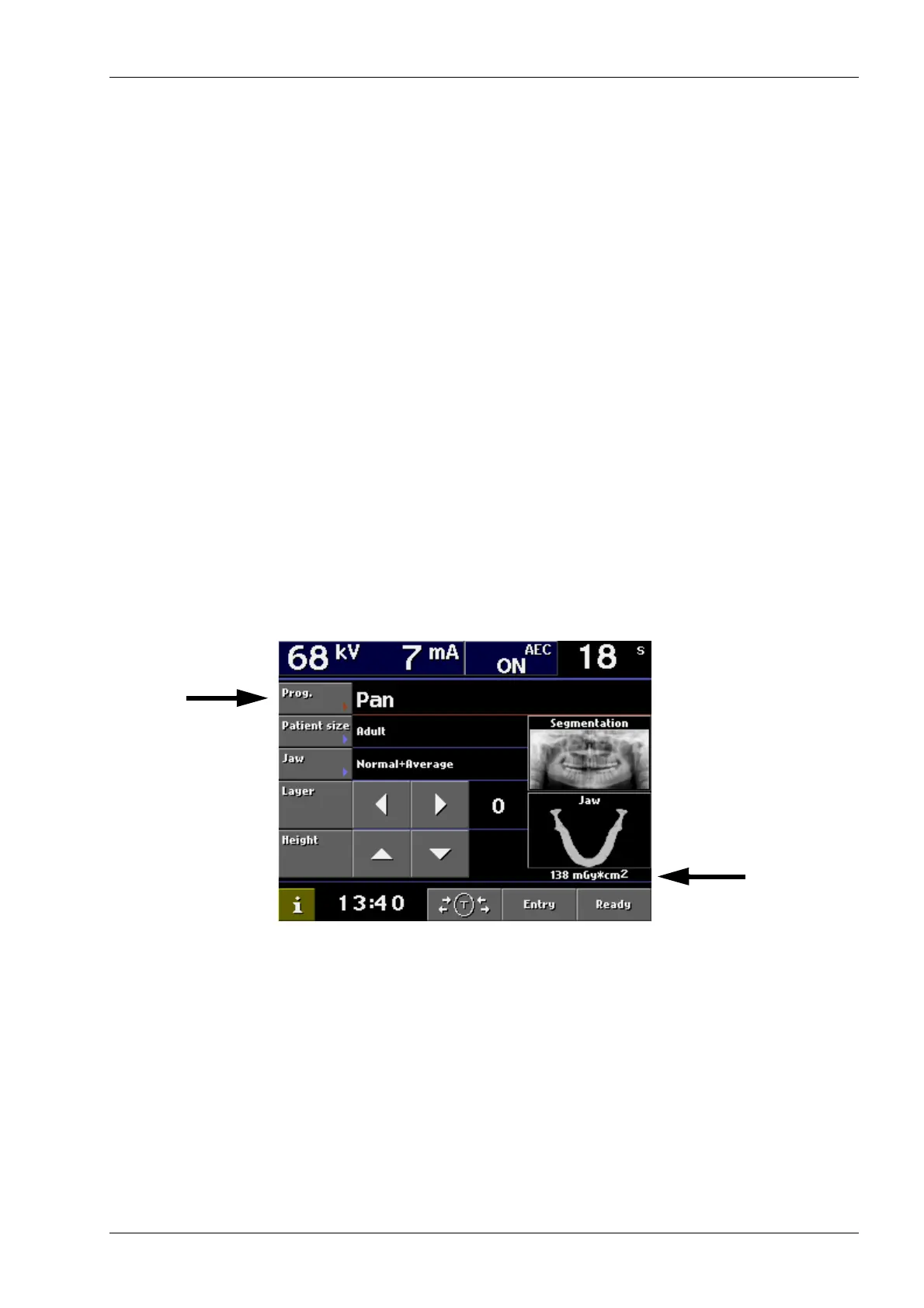
To make a selection on the control panel, touch the
screen on a text field or on an icon. For example, to
select the program type touch the Prog. field. You will
hear a signal tone when a field or an icon is activated.
To cancel a selection, touch the Cancel field. Only the
text fields and icons on the screen are touch-sensitive,
and touching the areas outside them will not activate
an action.
NOTE Refer to the Cephalostat user’s manual for
information on how to select the
cephalometric exposure program.
NOTE The radiation dose will be displayed on the
main display in case you have enabled the
DAP function, see section “7.4.2 Behavioural
preferences” on page 24.
7.1 Selecting panoramic exposure program
To select the panoramic exposure program touch the
Prog. field on the main display. The main display is the
display that is shown when the unit is switched on.
Dose Area Product
(DAP)














 To Next Page