PANORAMIC EXPOSURE
32 Planmeca Proline XC Panoramic X-ray
User's manual
Select the correct exposure values for the patient
being X-rayed according to the values in the following
table. If you are using a different film screen
combination you may have to adjust the exposure
values.
NOTE In case the unit is in the AEC mode the default
exposure values are used. These values
cannot be changed by the user.
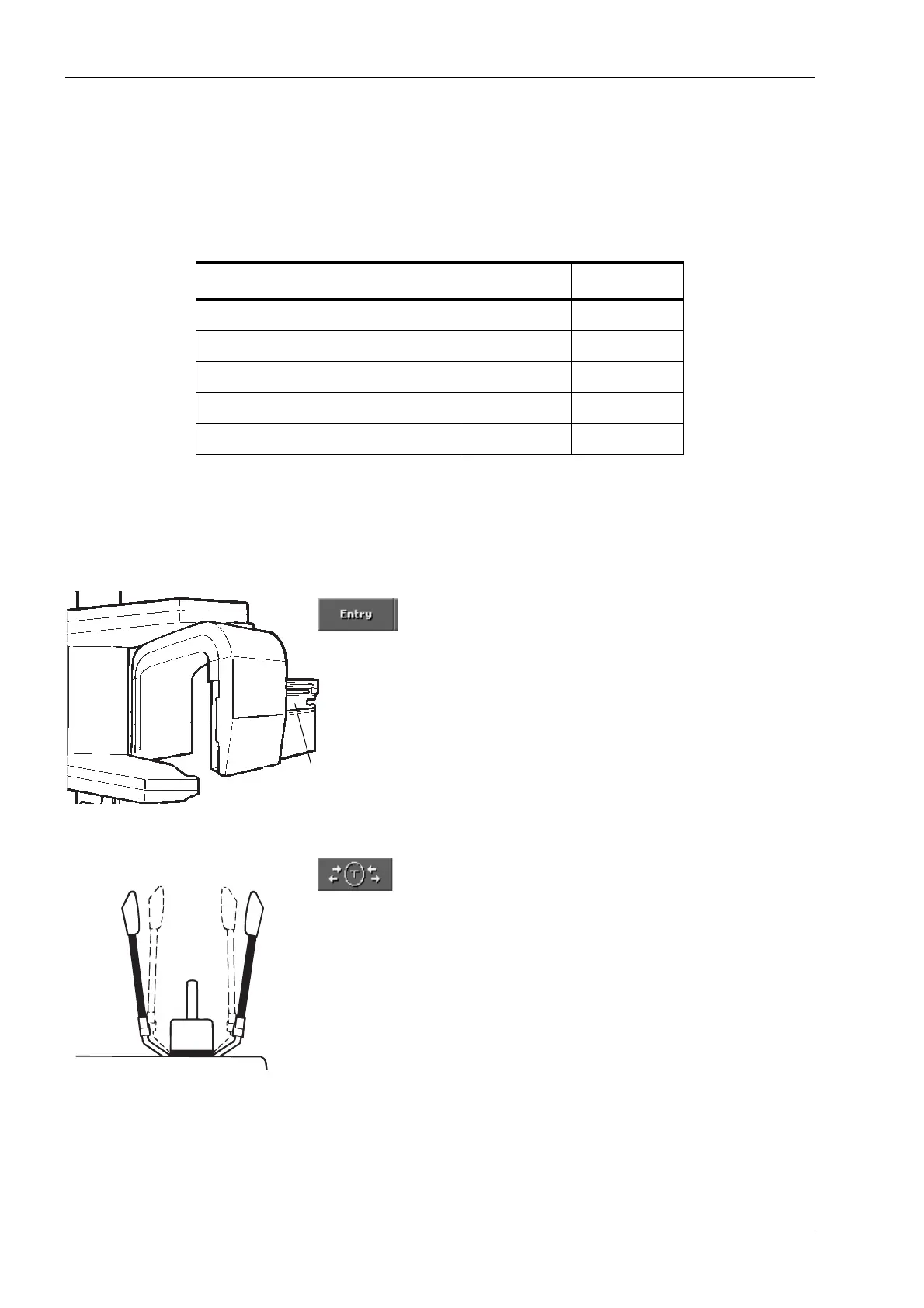
Touch the Entry field to move the rotating assembly to
the entry position and the cassette carriage to the
loading position if they are not already in that position.
Touch the temple support field on the main display to
open the temple supports if they are not already open.
Guide the patient to the unit so that they are facing the
chin rest.
PANORAMIC EXPOSURE VALUES
Based on Kodak Ektavision film and Kodak Ektavision screen
PATIENT kV VALUE mA VALUE
Child up to 6 years of age
a
a. Use the CHILD MODE.
60 4
Child 7-12 years of age 62 5
Adult female or small male 64 6
Adult male 68 7
Large adult male 70 9
Cassette carriage
in loading position
Closed
Open Open














 To Next Page