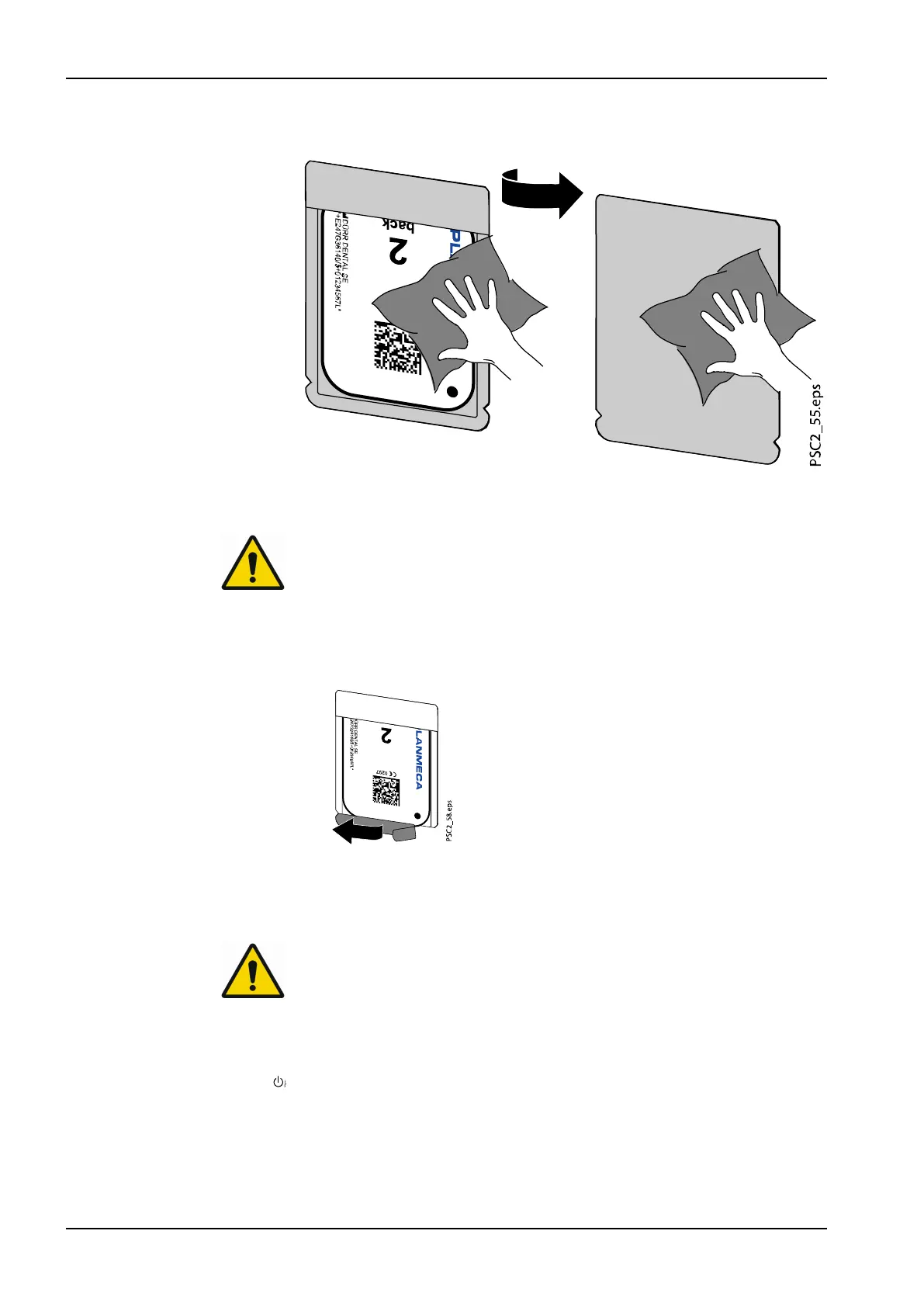
3. Disinfect the light protection cover and protective gloves with a suitable
disinfection wipe (see section "Light protection cover" on page 50).
4. Allow the light protection cover to fully dry.
5. Pull off the protective gloves and disinfect the hands.
CAUTION
Powder from the protective gloves on the image plate can damage the
unit during scanning
Completely clean all traces of the protective glove powder from your
hands before handling the image plate.
6. Tear off the light protection cover.
4.2.3 Scanning image data
Starting image plate scanner and software
NOTE
The reading-out process is described using the Planmeca Romexis imaging
software.
For further information see the
Romexis user's manual
, section ProScanner
2.0 single image capturing.
1. Press the on / off switch to switch on the device.
2. Switch on the computer and monitor.
3. Start Planmeca Romexis.
4. Select the patient.
5. Select the ProScanner 2.0 image capturing button.
4 Usage
42 Planmeca ProScanner 2.0 User's manual












 To Next Page