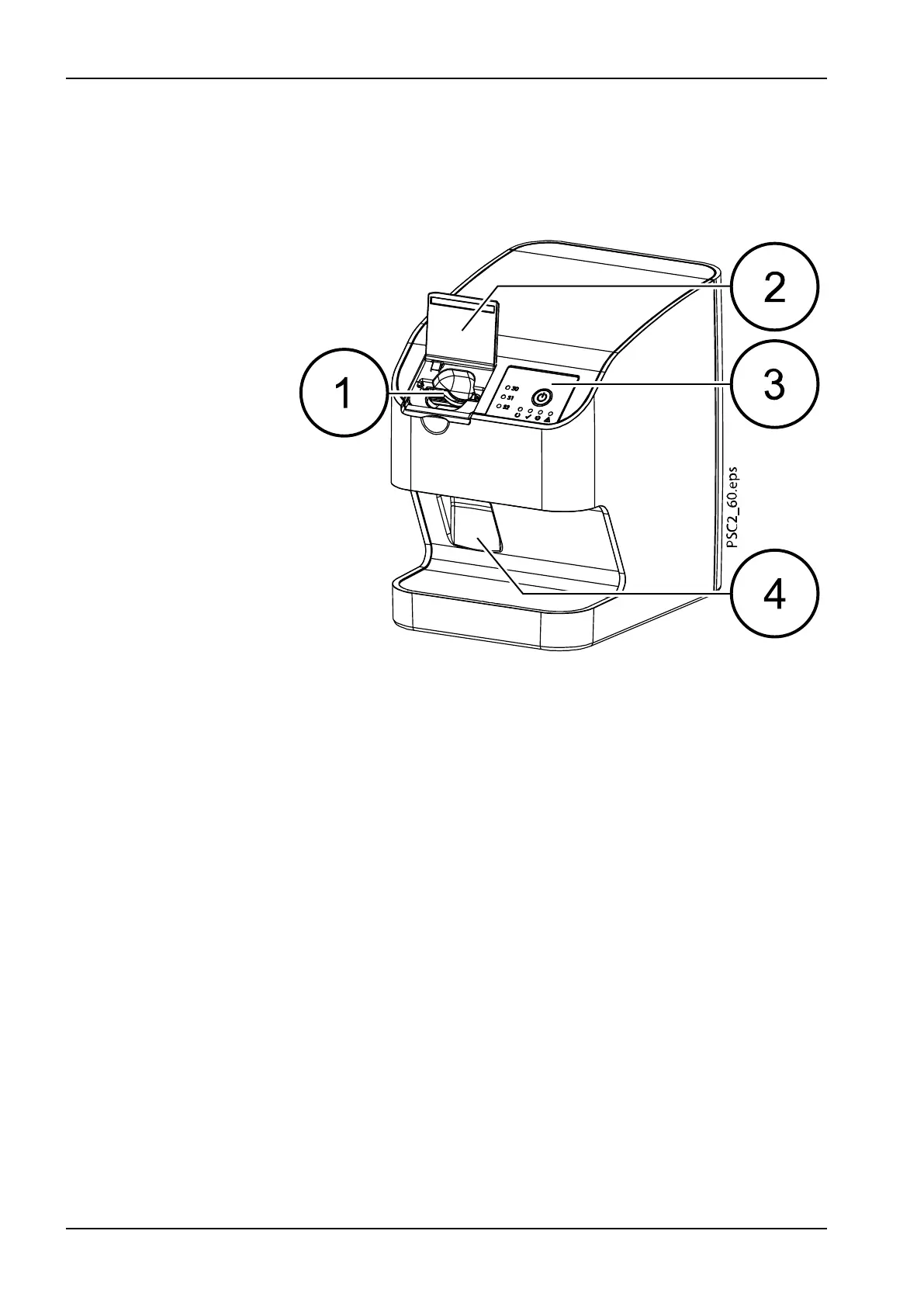
2.3 Operation
2.3.1 Image plate scanner
1 Input unit
2 Cover (open)
3 Operating elements
4 Collection tray
The image plate scanner is used to read image data stored on an image
plate and to transfer the data to the imaging software (e.g. Planmeca
Romexis) on a computer.
The transport mechanism guides the image plate through the device. The
image plate is read using a laser inside the scanner unit. The scanned data
is converted into a digital image and transferred to the imaging software.
After scanning, the image plate runs through the erasure unit. Image data
still held on the image plate is erased with the aid of bright light.
The image plate is then ejected for re-use.
2 Product description
16 Planmeca ProScanner 2.0 User's manual












 To Next Page