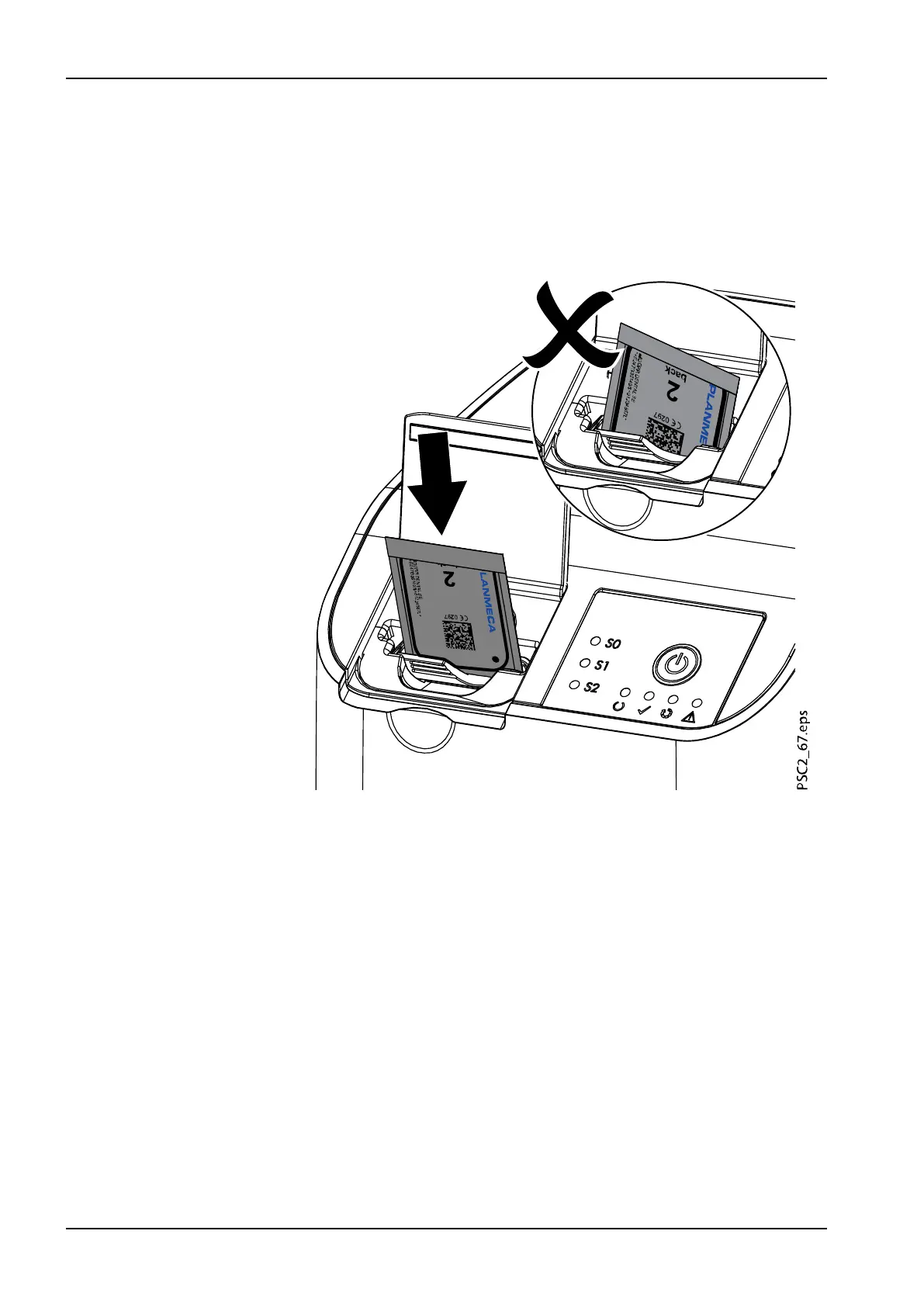
2. Place the light protection cover with the image plate centrally and
straight onto the input unit. The torn-off side of the light protection cover
faces down; the inactive (back) side of the image plate faces the
operator.
The image plate must not be pulled out of the light protection cover
before placement on the input unit. There is the risk of image information
being erased by ambient light (see section "Correct use of image plates"
on page 33).
4 Usage
44 Planmeca ProScanner 2.0 User's manual












 To Next Page