10 P/N 2018 - 10 B Rev A 6 – Release
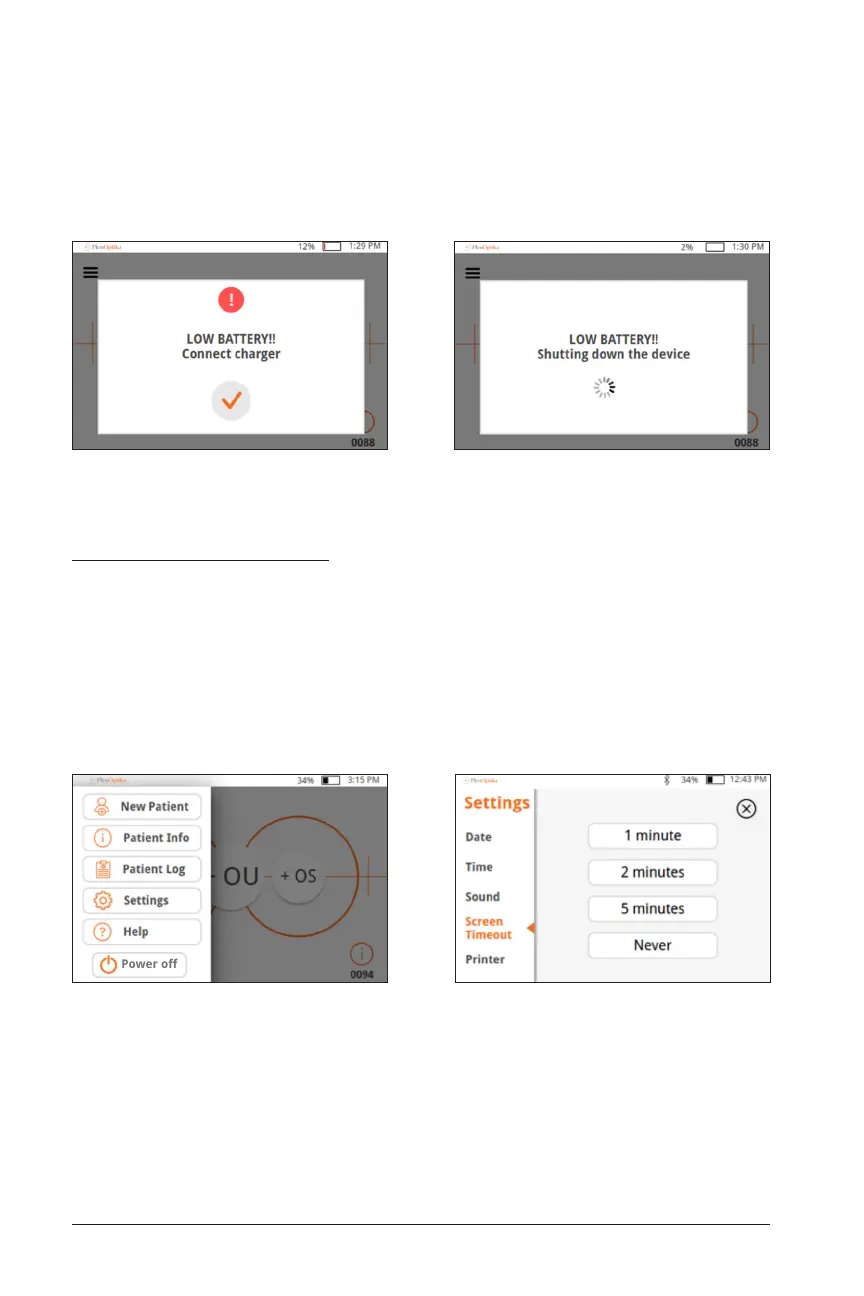
• Low battery – When the battery level reaches a very low level, a warning message
will show up. If no power cable is inserted shortly after, the device will automati-
cally shut down due to the low voltage of the battery.
Power-Saving Modes
• Pressing and releasing the power button briefly will put the device into
Power-Saving Mode. In Power-Saving Mode.
— In Power-Saving Mode, the screen is off and less battery is consumed.
— Device is instantly operational when power button is pressed
• Screen timeout – set the amount of time without activity after which the Quick-
See automatically goes into Power-Saving Mode in the Settings: Screen Timeout
menu.


 To Next Page