15P/N 2018 - 10 B Rev A 6 – Release
User Operation
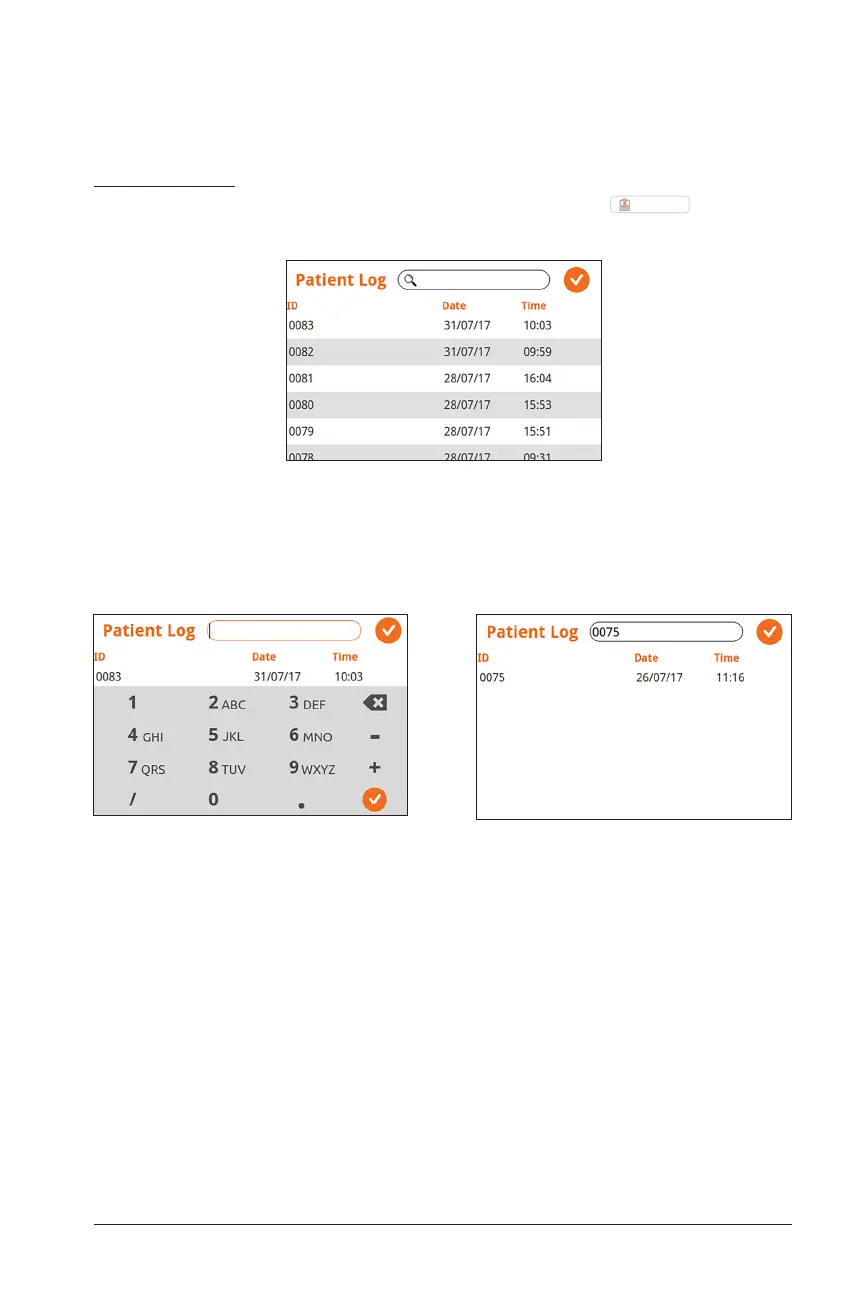
Search by Patient ID Search Results Screen
Patient Log
To access the log of all patient data stored on the device, select
Patient Log
from the
Home Screen’s drop down menu. The main Patient Log screen will appear:
Main Patient Log Screen
Scroll up and down the main patient log and click on a Patient ID number to select
a specific patient. Alternatively, you can first use the search bar to type in a specific
Patient ID number before selecting the patient.


 To Next Page