16 P/N 2018 - 10 B Rev A 6 – Release
Delete Current Patient Data Viewing Past Measurements
On the past measurements screen, you can scroll between past measurements with
the arrows below each eye
TEST 2/3
or return to the Patient Log Screen by clicking
on the file icon .
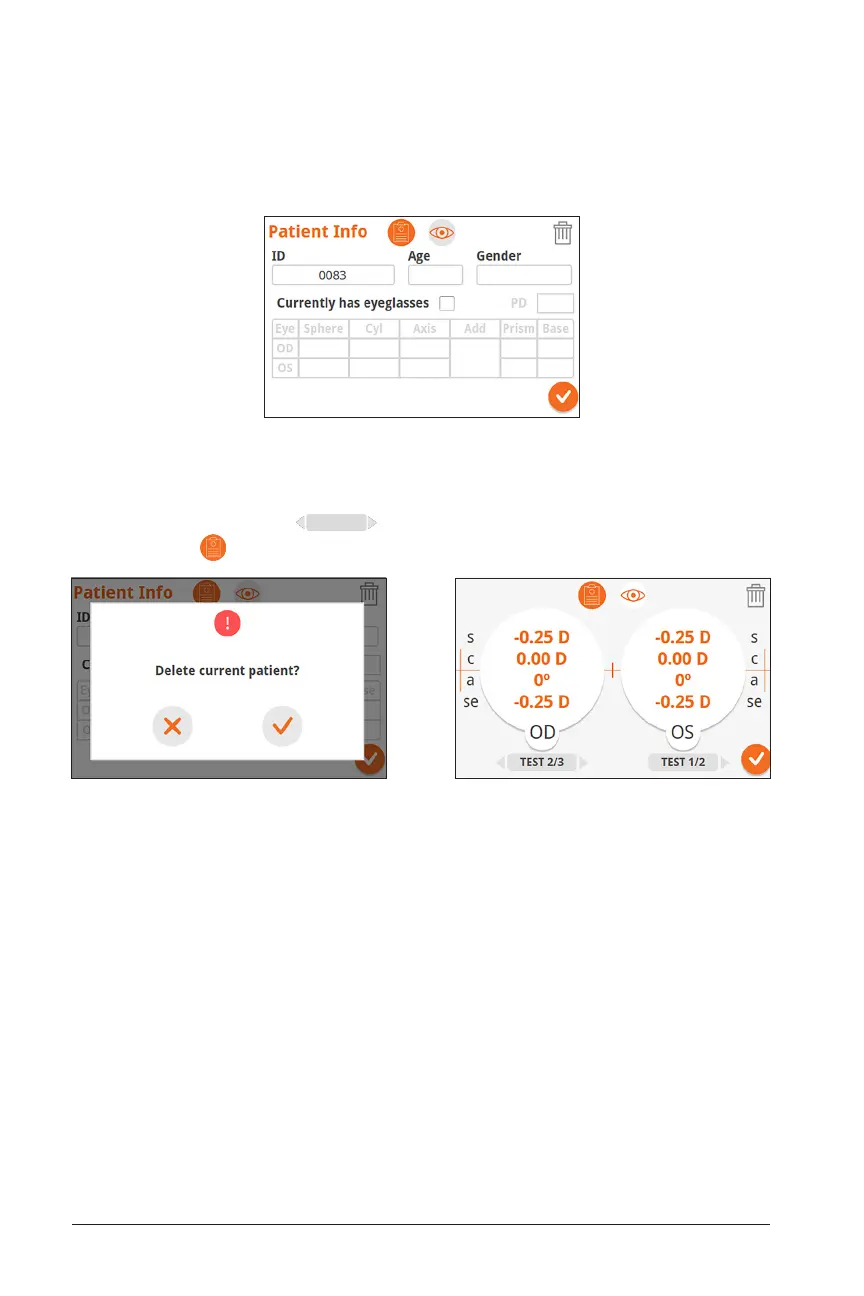
Patient Screen
On the Patient Screen, you can enter Patient Information if you had not entered the
information previously, delete current patient data, and view past measurements:


 To Next Page