! Plexxi Switch 3eq Installation Guide (Switch-Control 3.0.0-3.2.x)! 31!
8 In stalli ng!
Transceivers
!and!Cables!
For cables without a built-in transceiver, before you can connect the cables, you need to install the
appropriate transceivers into the QSFP28 ports that need to be cabled.
Before you can connect cables, you need to install transceivers into the QSFP28 ports that need to be
cabled.
Once you mount the switch you can attach the cables.
IMPORTANT: Refer to the Plexxi Compatibility Matrix Version 3 or greater for supported cables
and transceivers.
Installing!Transceivers!
For cables without a built-in transceiver, before you can connect the cables, you need to install the
appropriate transceivers into the QSFP28 ports that need to be cabled.
You should have the transceivers you ordered for your Plexxi Switch.
Switch 3eq supports Quad Small Form-Factor Pluggable (QSFP28) transceivers.
Important: Fiber optic modules are dust-sensitive. Always keep the plug in the optical bore when a fiber
optic cable is not installed or when you store the module. When you do remove the plug, retain it for
future use.
QSFP28!
The QSFP28 port can be configured to run in a 100 GbE mode or a 40 GbE mode. Depending on the
desired port speed and connection type, select the appropriate transceiver as listed in the following
document:
• Plexxi Compatibility Matrix, Version 3 or greater.
Inserting!Transceivers!
Verify that you have the correct transceiver for the cable and connection being planned for the port. Note
that some cables have a built-in transceiver.
Carefully push the transceiver into the QSFP28 receptacle until it is seated and locks in place. If it stops
before installed, remove, reorient and re-install the transceiver.
Note that all transceivers are keyed, insuring that they are installed with the correct orientation.
Connecting!QSFP28!Cables!
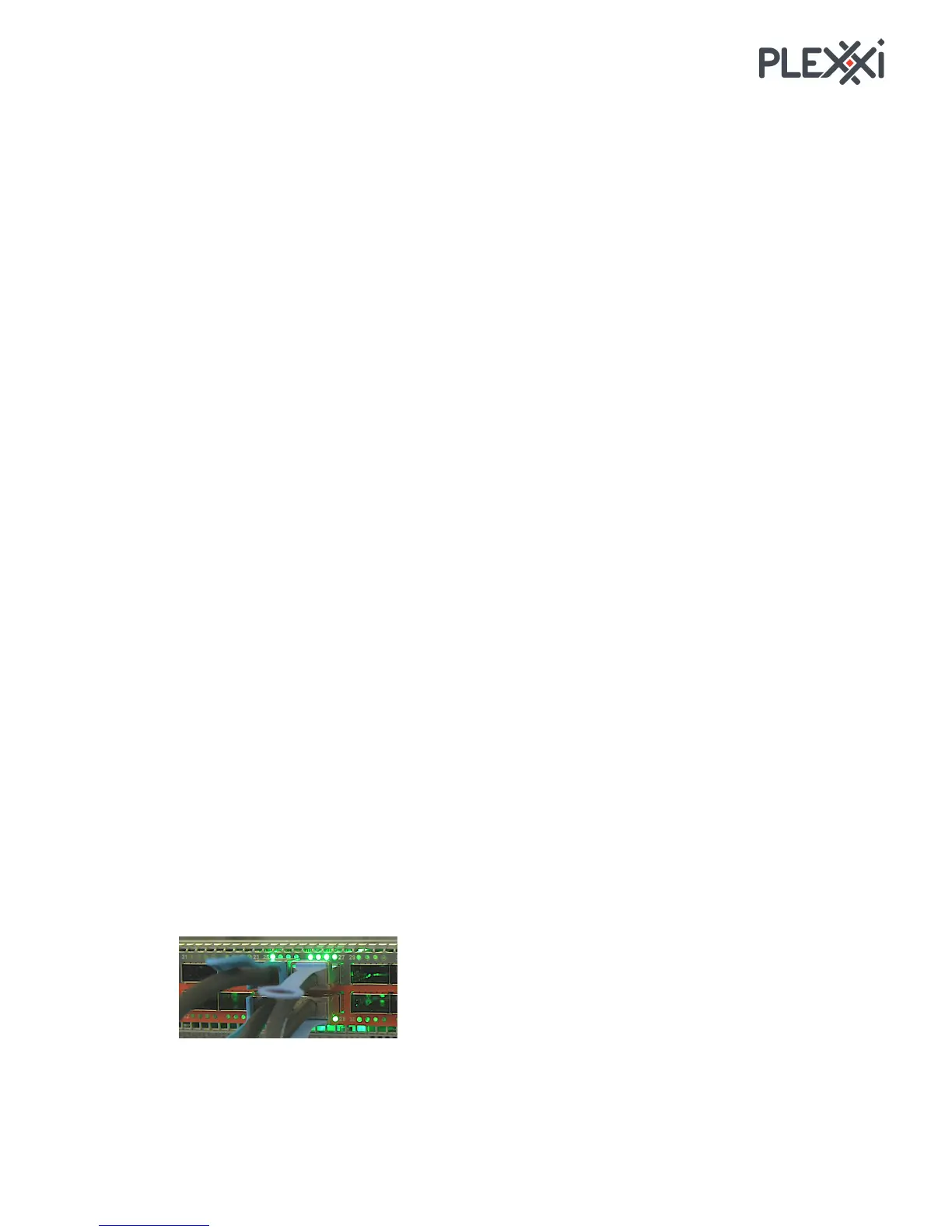
To connect a cable to the switch, verify that the correct transceiver is installed and then plug the cable
into the transceiver until it locks in place. Note that all transceivers and cables are keyed, insuring that
they are installed with the correct orientation.
QSFP28!Breakout!Cables!
In addition, you can order QSFP28 cables that break out four separate 10Gbps or 25 Gbps channels.



 To Next Page