! Plexxi Switch 3eq Installation Guide (Switch-Control 3.0.0-3.2.x)! 33!
QSFP28!Ports!and!LightRails!
Switch 3eq contains 32 QSFP28 ports as illustrated above. These QSFP28 ports can remain single 100
GbE ports or they can break out into four 25 GbE SFP ports per QSFP28 port.
Each port supports 1x10GbE, 4x10GbE, 1x40GbE, 4x25GbE, 2x50GbE or 1x100GbE.
The highest-numbered sets of QSFP28 ports can be used to connect to LightRails. Switch 3eq supports 1
or 2 LightRails as illustrated above.
QSFP28!LEDs!
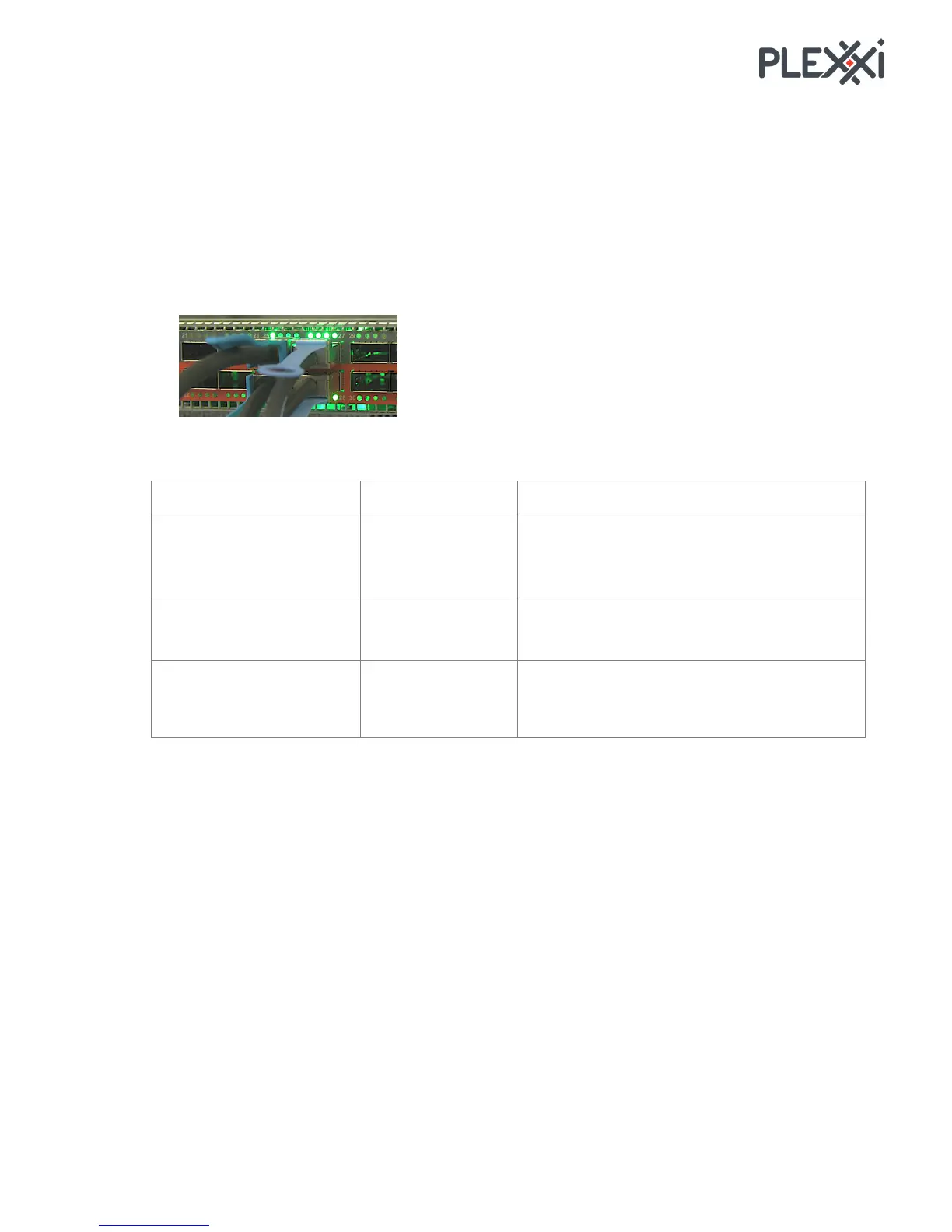
Each QSFP28 port has 4 LEDs as illustrated.
The QSFP28 port LEDs indicate the mode as follows:
Flashing LED: Indicates that traffic is passing. In
100G/40G mode, traffic is split into blocks
across the four lanes. There are no individual
ports. Traffic passes across the four lanes.
Lanes 1&2 have traffic spread across them, and
3&4 have traffic spread across them.



 To Next Page